Tools of the View Windows

|
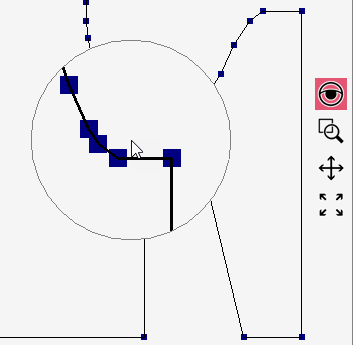
Lente di ingrandimento |
A circular magnifier appears at the cursor that represents the shape magnified at the cursor position.
|
|
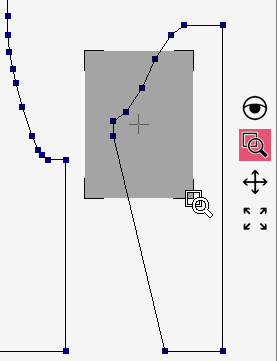
Zoom |
With two clicks define a rectangular area of the shape that is to be represented magnified. After the second click the defined area appears magnified on the entire surface.
|
|
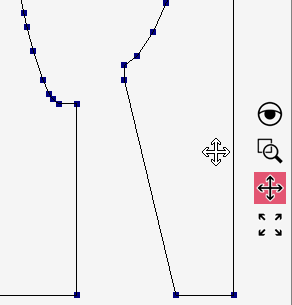
Sposta |
With the cursor click on the shapes and move them on the surface as desired with the mouse button pressed. All shapes selected in the Teli tool window are always moved together.
|
|
Cambia zoom |
The presentation of the shapes selected in the Teli tool window are adapted to the visible surface. |