Further possibilities in the Shapes tool window
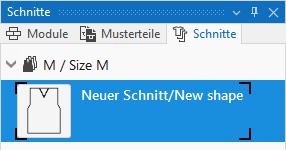
- Cursor positioned on the Shape symbol - > open the menu with the RMB
|
| |
|
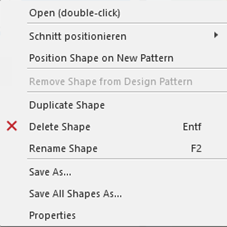
Open (double click) |
Open the selected shape in the document window |
|
Posicionar corte |
Selected shape with selection, in which pattern the shape is to be positioned. |
|
Posicionar corte em uma nova amostra |
Open the selected shape in a new design pattern. |
|
Duplicar corte |
Copy selected shape. |
|
|
Delete selected shape. |
|
Renomear corte |
Rename selected shape. |
|
Salvar como... |
Save the selected shape under the desired path as *slsf |
|
Salvar todos os cortes como... |
Save all shapes with all sizes under the desired path as *slsf file. |
|
Propriedades |
Special shape properties |