Create New Pattern Project with One Pattern
Create a New Pattern Project:
- 1
- Start the program double-clicking
 .
.
- or -
If the program is already running, open the Arquivo → Novo tab via the ribbon.
- 2
- Create a Novo projecto de amostra by clicking on
 Projecto de amostra.
-
CREATE PLUS gets started and the Novo projecto de amostra dialog box appears.
- 3
- Make the required settings in the Projecto sector:
- Enter a project under Nome
.
- Change machine type and gauge via the Alterar máquina button if necessary.
- 4
- Select the desired knitting mode in the Técnica de tricotagem sector.
- 5
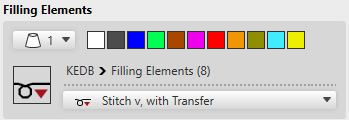
- Make the required settings in the Elementos de preenchimento sector:
- 6
- Enter the desired size of the design pattern in the Dimensão sector by width and height.
 : Due to the structure within the design pattern, set the height and width according to the size of the shape.
- 7
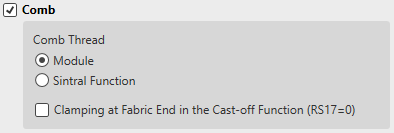
- Make the desired settings in the Pente sector.
- 8
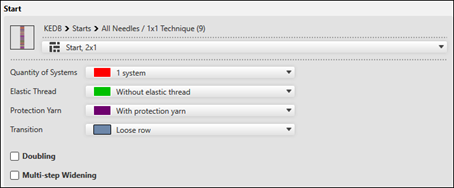
- Make the desired settings in the Começo sector.
- 9
- Confirm the dialog box with the OK button.
- The new Projecto de amostra with one pattern appears in the symbol view of the main window.