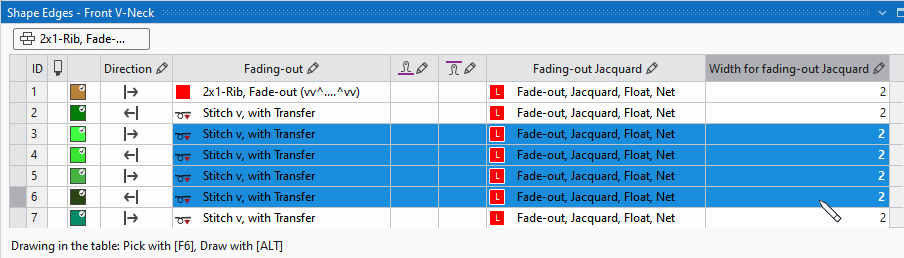
Drawing in the Table
You can select table entries via the dropdown menu of the table cells.
You can even draw in the table as well.
For this proceed as follows:
- Select the attribute in the table by mouse over and pressing the F6 key.
The entry appears in the Cursor Attribute window and at the top left of the table.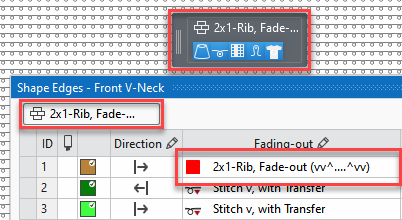
- With the ALT key pressed, a pin
 appears at the cursor.
Keep the key pressed in order to draw the attribute into the table.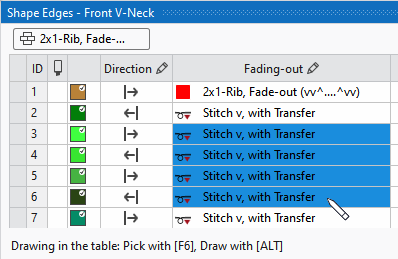
- You can draw an area over several columns as well.
However, the attribute will be added to the allowed columns.