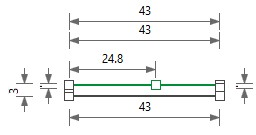
How to Position the Shape Points in the Collar
- Collar in the initial state:
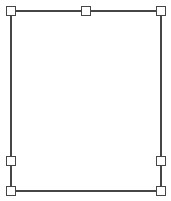
- 1
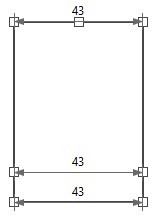
- Dimension the startpoint of the collars horizontally to each other with the Collar Width formula.
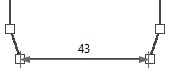
- 2
- Dimension the endpoints of the start horizontally to each other with the Collar Width formula.
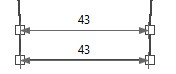
- 3
- Dimension the endpoints of the collar horizontally to each other with the Collar Width formula.
- 4
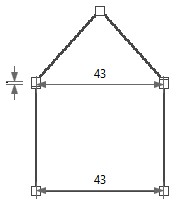
- Dimension the endpoint of the start and the endpoint of the collar vertically to each other with the Linking Tubular of Collar dimension.
- 5
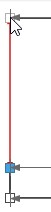
- Dimension the endpoint of the start and the shape point on the center axis vertically to each other with the Linking Tubular of Collar dimension.
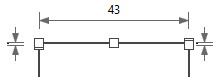
- 6
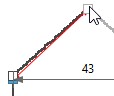
- Dimension the startpoint and endpoint of the collar vertically to each other with the Collar Length dimension.
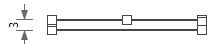
- 7
- Open the context menu on the shape point on the center axis.
- 8
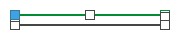
- Call-up .
- The shape lines between the collar endpoints and the shape point on the center axis appear green.
- 9
- Dimension the left collar endpoint and the shape point on the center axis to each other with the Front Collar Width formula.
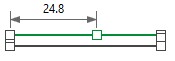
- The shape points of the collar are positioned.