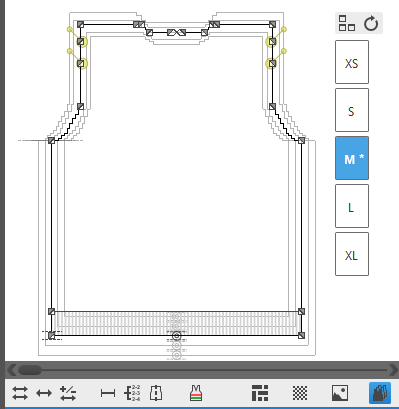
Options of the Dimensioning View
In the status bar of the dimensioning view  you will find the following display options:
-

Show Dimensions
Key combination: D
Shows the main and sub-dimensions of the current size within the shape.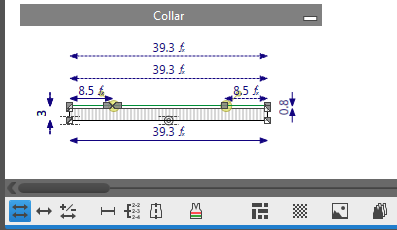
-

Shows the main dimensions of the current size within the shape only.
You can determine any desired dimensioning as main dimensioning.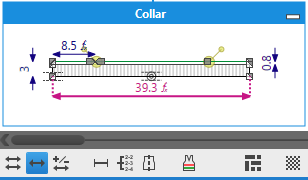
-

Shows the correction values of the current size within the shape.
Here a correction by 5 additional stitches: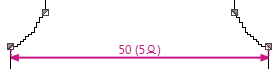
-

Shows the control dimensions by stitches.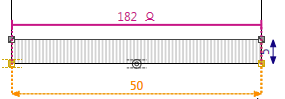
-

Shows the knitting specifications of the current shape.
The specifications for stepping, start and a summary will be generated automatically.
Here the specifications for the stepping in the armhole: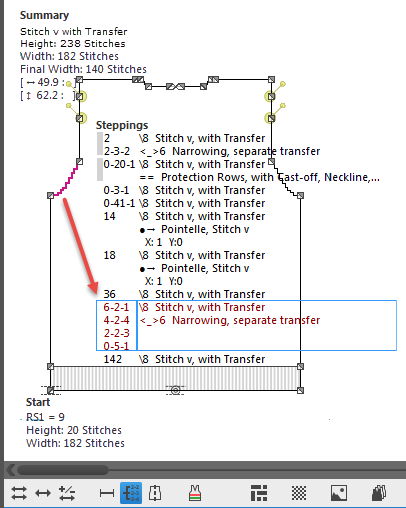
 How to Read the Stepping Specifications
-

Shows the symmetry axis through the point of origin and the endpoint.
Symmetrical points are mirrored at this axis.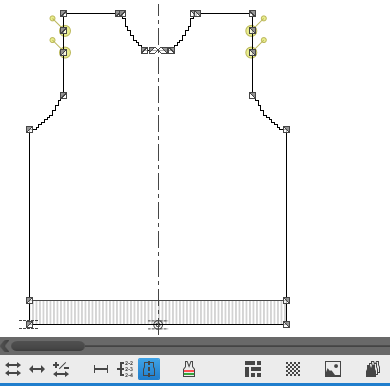
-

Shows the placed knitting ranges of the current shape.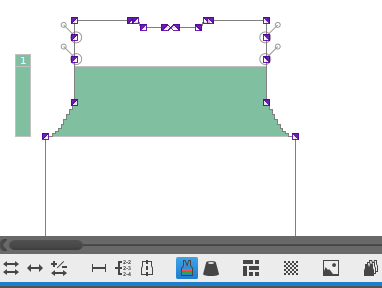
-

Shows the identification colors instead of of the allocated yarn colors.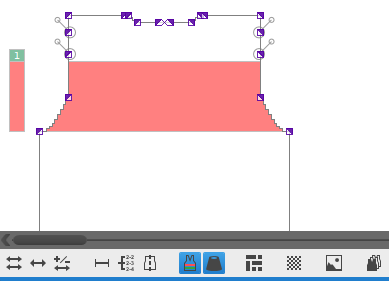
With only!

Show Stitch Grid
Shows the stitches (raster points) corresponding to the stitch density of the current shape.
Show Background Image
Shows the added bitmap image files.
Key combination: I Context menu on the Background of the Dimensioning View