Philosophy
Pattern Project
One pattern project can contain several individual patterns for one common type of machine.
- E. g. front piece, back and sleeves of an article.
- The individual patterns can be managed by groups.
For example according to sizes - The individual patterns can be combined to an order (sequence).
In this case, the system uses automatically the same yarn carrier home position.
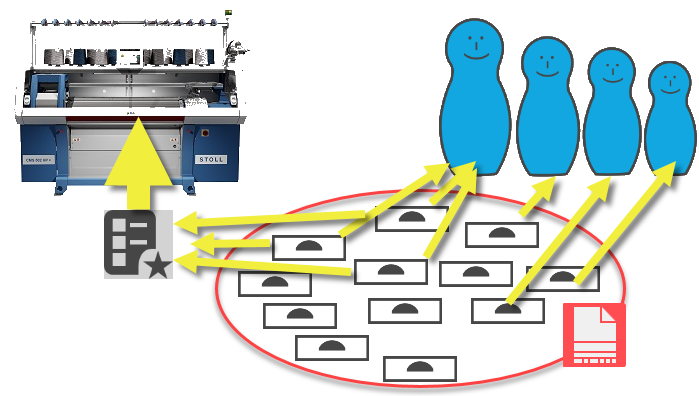
Inheritance
Some parameters are inherited in order to enable fast modifications for all the patterns within a project.
- In general, all the settings in Configuration are used basically for technical processing of all pattern but can by modified for each individual pattern.
- Pattern parameters such as stitch lengths, fabric take-down etc. apply to the entire project and can be modified individually as well.
- Presettings for the lined shape are generally used for each shape of the project.
Simplified Module Structure
- One structure module can contain several variants.
- Tüm iğneler
- Tüm iğneler, yansıtılmış
- 1x1 teknik
- 1x1 teknik, yansıtılmış
- With it, you can switch automatically.
E.g. when switching the knitting technique or for the fabric edge on the left and right - The variants can be created automatically.
- For technical modules, all the respective knitting situations are part of one single module.
- So-called tiles

- All the database modules in use are copied to the pattern and can be edited as desired within this project.
- If you want to keep the modification, you can save the module from the pattern project to the database.
- Or edit and save the module directly in the database
Concept of Color Parameters
The attributes for knitting-in and out, border processing etc. are allocated to a color.
- These colors are unique and cannot get lost by modifications of the pattern.
- If you want to assign different attributes to the same color, sub-colors will be used for this color.
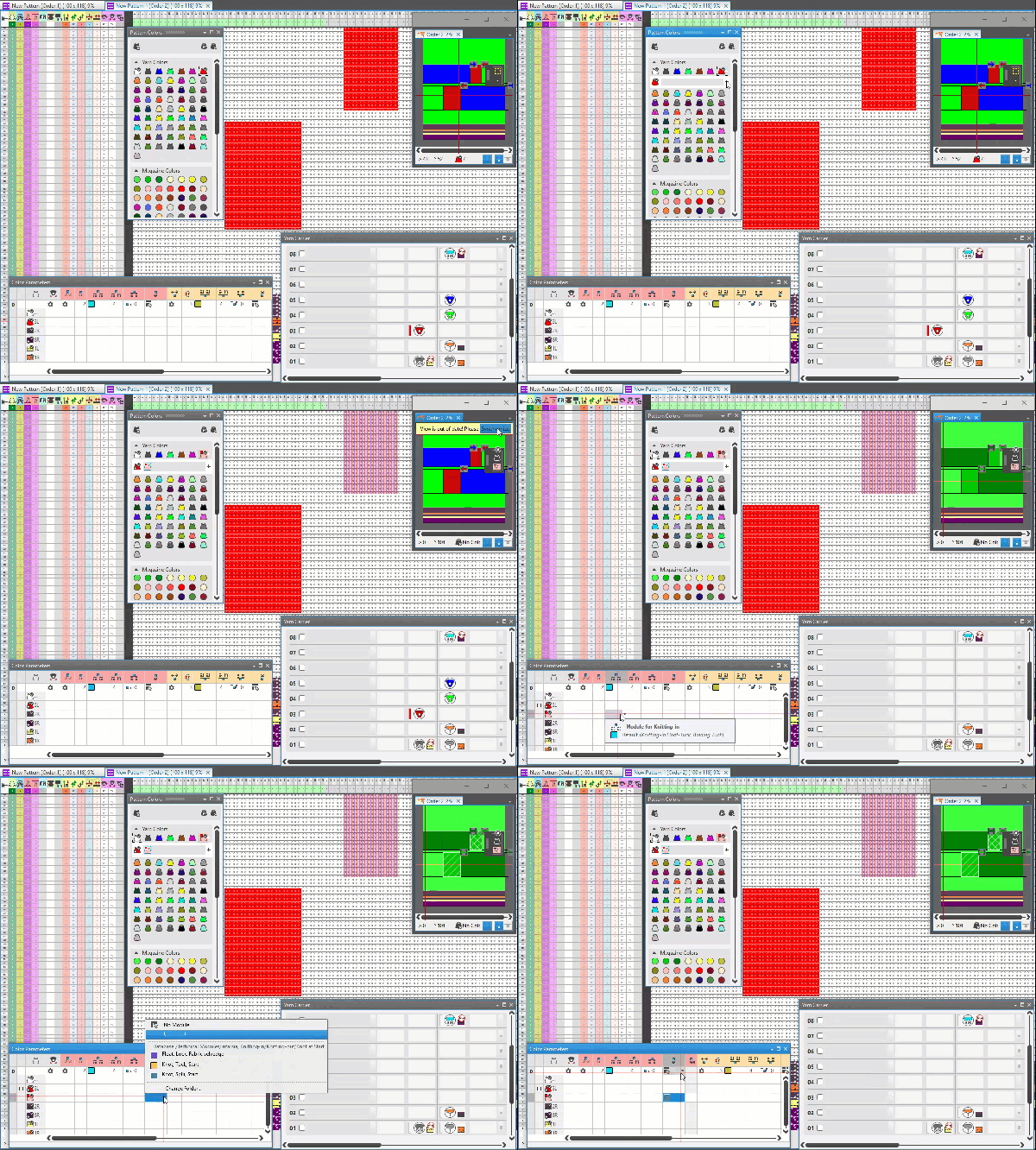
Drawing with drawing tools by two clicks
- You can scroll through the view even while drawing.
- You can change attributes even while drawing.
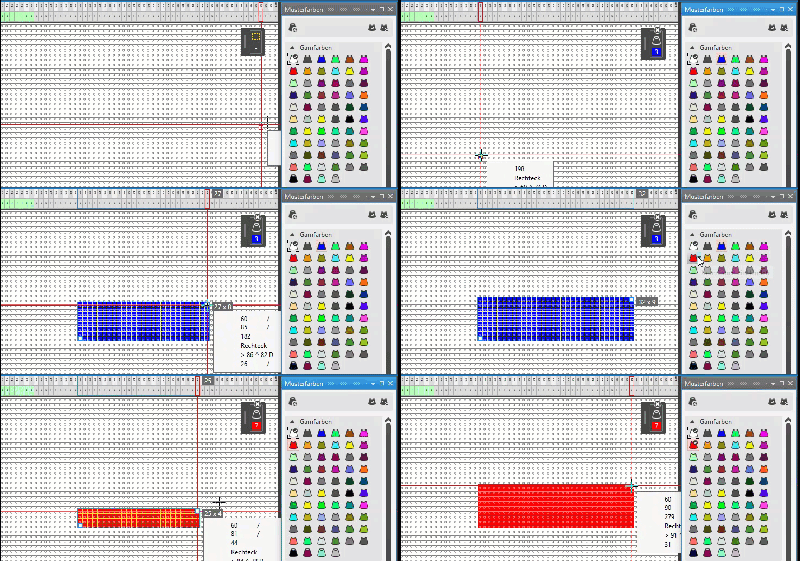
Drawing Optionally in Echo Mode
In the echo mode, you can make changes to shape and contends before applying it to the pattern.
Views
Views are available for
- Design Pattern
- Preview of Expanded State
The preview of the expanded state is dynamic and instantly shows the result of every change in the design pattern. - Processed Pattern
View after technical processing - A stitch presentation is available for the preview of the expanded state and for the processed pattern.
Optionally it shows the stitch distortions.
Layout
You can dock the document windows to different positions automatically.
- You can save different layouts.
- You can easily restore the default layout.
Interfaces
The following files can be imported to a project:
- Patterns, shapes and structure modules from the M1plus
- Sintral Check data
- Setup Data
- Images
- DXF Shapes
- Lined Shapes from CPS
- Dimensioned Shapes of CPS and GKS
- Jacquard files
- Patterns from CPS