Basics
- Multiple fabric pieces and shapes within one project
- Inheritance of data and behaviors
- With one common set of pattern parameters and knitting elements
- Several knitting programs from one project
- Ribbon based user interface with multiple windows technique

- Drawing with drawing tools by two clicks
- optionally with echo mode
- You can scroll through the view even while drawing.
- You can change attributes even while drawing.
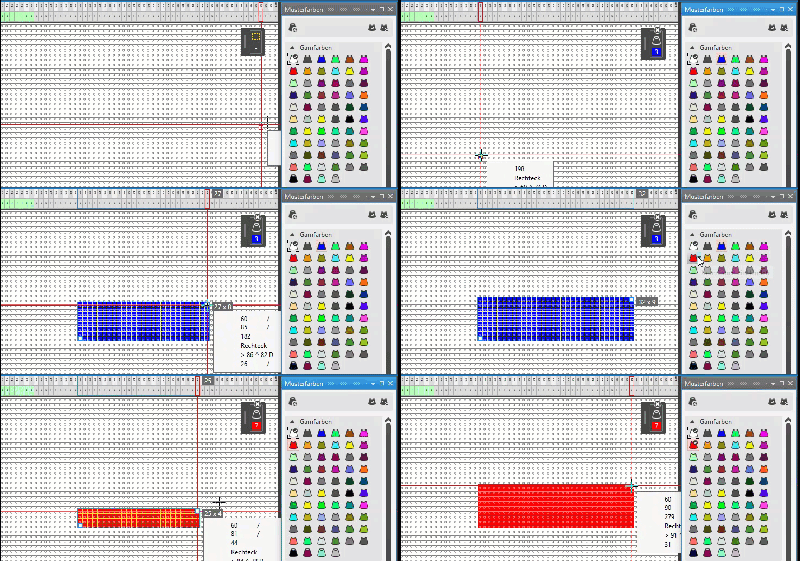
- Concept of Color Fields
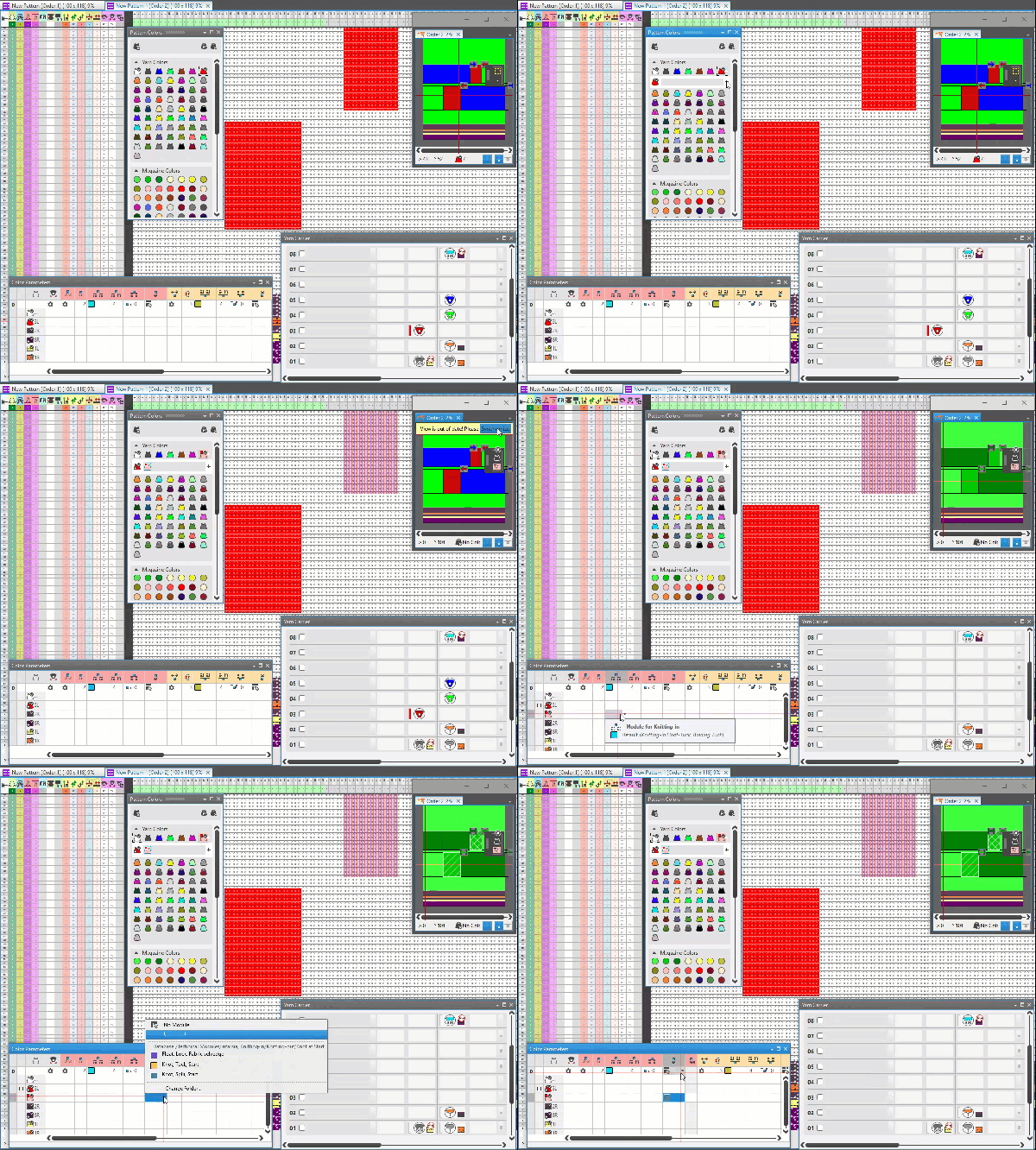
- Simplified handling of yarn carrier attributes
- Sub-colors only for different attributes required
- Work freely without intermediate validation
- Validation at the end
- Step-by-step check of knitting elements
- Dynamically expanded states (at real-time) of symbol view and fabric view
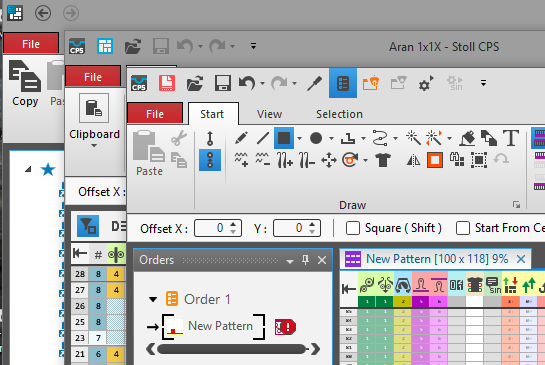
- Projects and views represents instances of their own
- Patterns
- Knitting Element
- Shape
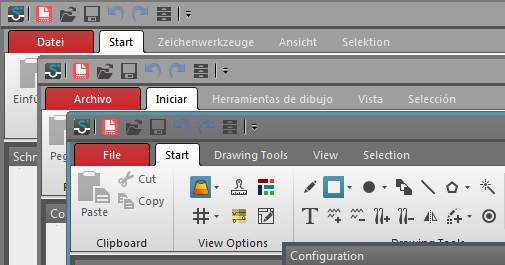
- You can have several instances even in different languages opened at the same time.
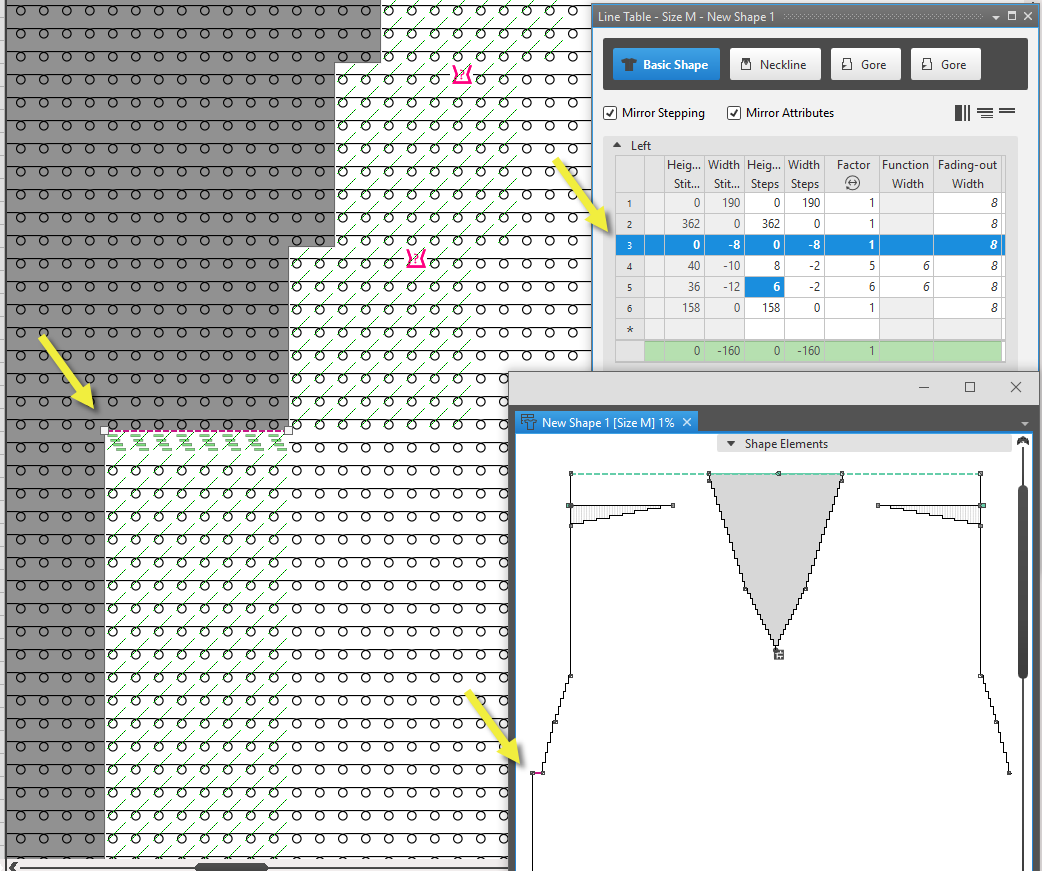
- The lined shape always floats
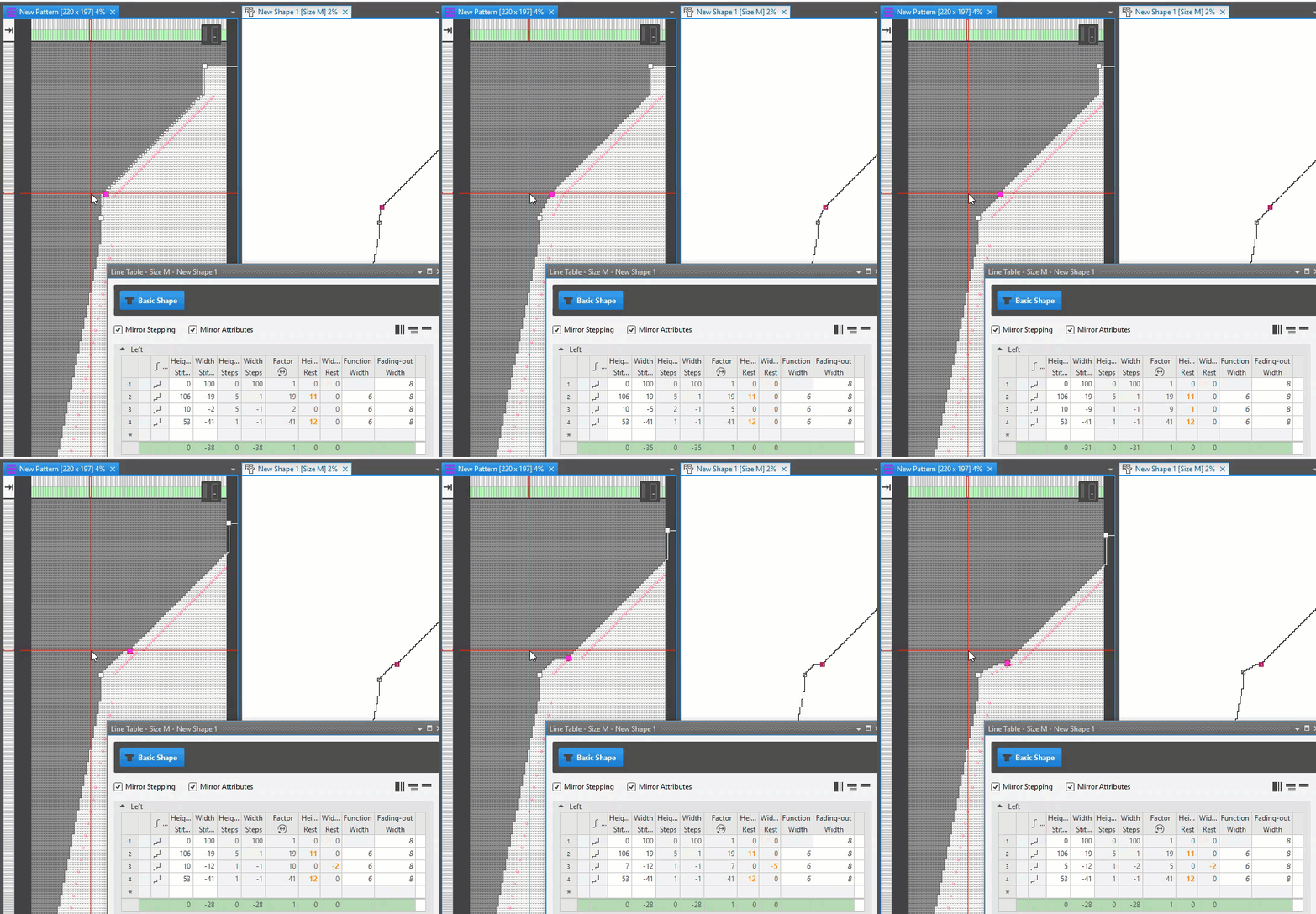
- The shape is modified at its source.
- Modifications of the pattern are done to the pattern.
(e.g. insert rows or columns) - Graphical editing of the lined shape, even floating on the pattern
- Shapes are not just outlines
The further elements: - Colors
- Shape Elements
- Knitting elements for edges and filling
- Pattern elements, images, ...
- Dimensionings with depending measures by formulas
- From the set of sizes in the dimensioned shape to the knitting programs for all fabric pieces
- Yeni bir ölçülendirilmiş kesim projesi oluşturun (*.sgsf).
 Yeni bir çizgi kesimi projesi oluşturun (*.slsf).
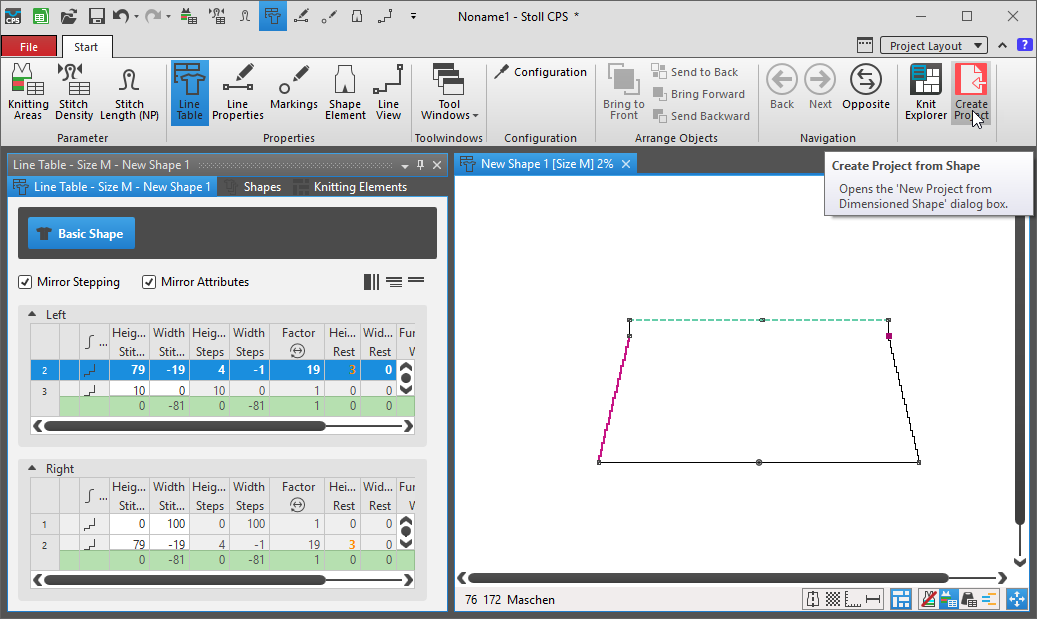
 Kesimden yeni desen proje oluştur
- Clarity and coherency of knitting elements
- Easy to edit in all of the variants
- Undo / Redo
- Across instances
- Data are immediately applied
- No need to Apply separately
- Testing is above studying
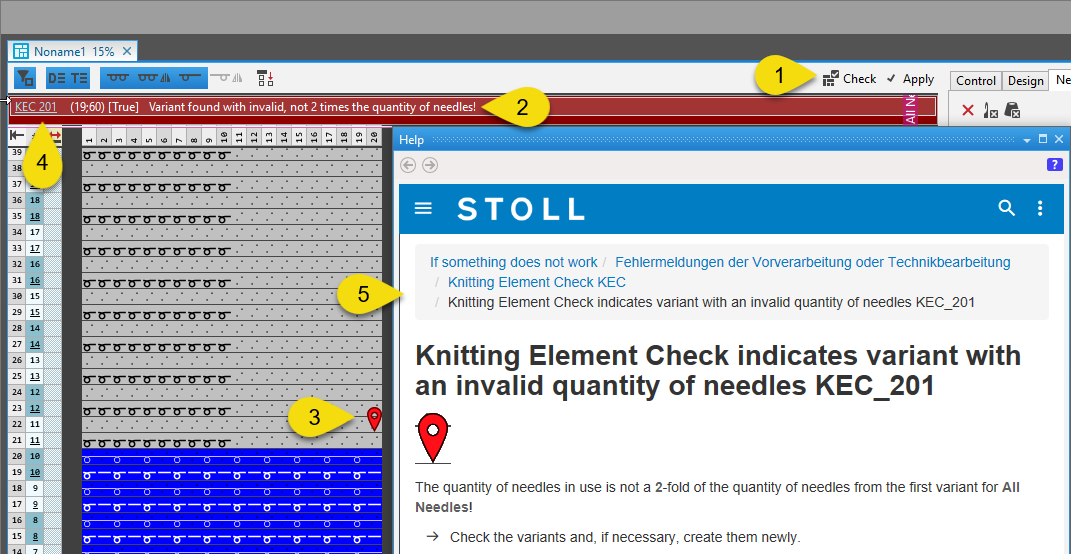
- Error messages with the corresponding window
- with marking of the source

- With additional support within the help