Data Backup
Dosya tab -> Call-up Seçenekler selection.
Select the Seçenekler section in the  Veri yedeği
dialog box.
Veri yedeği
dialog box.
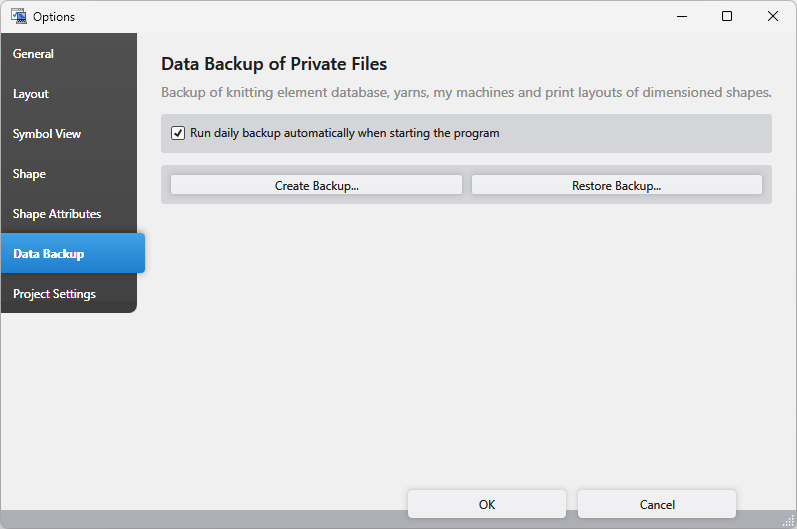
Make the following settings in the Veri yedeği section:
|
|
Activate this option to execute an automatic backup every day with the first program launch. |
|
Yedekleme oluştur... |
Create a backup of the current status. |
|
Yedeği geri yükle... |
Recover the status of the last created backup. |

 The settings affect the following data:
- Database of Knitting Elements
Knit Explorer - My Machines (Not for )
Select Machine - Printing layouts of dimensioned shapes
Print Settings