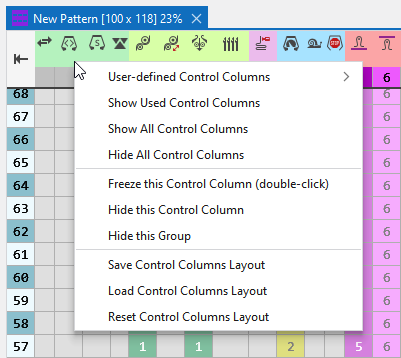
Context menu at the symbols of the header
Make the following settings via the context menu at the symbols of the header.
|
Kullanıcı tanımlı kumanda sütunları |
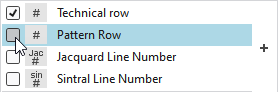
Select the control columns that are to be displayed. Select as many as desired control columns and close the context menu by ESC then. Select individual control columns:
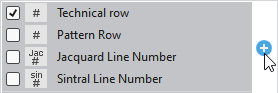
Select a whole group:
|
|
Kullanılan kumanda sütunlarını göster |
Shows control columns in use by the pattern only. Hides control columns without entry. |
|
Tüm kumanda sütunlarını göster |
Shows all control columns. |
|
Tüm kumanda sütunlarını gizle |
Hides all control columns. |
|
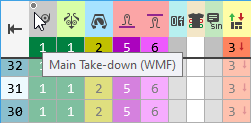
Bu kumanda sütununu sabitle (çift tıklama) |
Freezes this control column. Works by double-click on the control column as well.
|
|
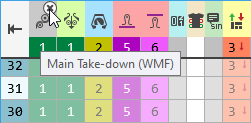
Bu kumanda sütununu gizle |
Hides this control column. If you move the cursor to the right corner of the control column header, then you can also hide the control column by clicking on the appearing symbol.
|
|
Bu grubu gizle |
Hides the entire control column group. |
|
Kontrol sütunu seçimini kaydet |
Saves the current representation of the control columns. |
|
Kontrol sütunu seçimini yükle |
Loads the saved representation of the control columns. |
|
Kontrol sütunu seçimini sıfırla |
Resets the representation of the control columns to STOLL default. |