|
Makine
|
- As desired
- Example for CMS 530 HP W, E7.2 (classification 698)
|
|
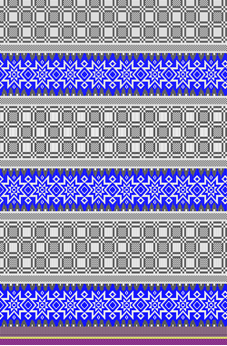
|
-
Örme tekniği
-
Dolgu elemanları
- any yarn color
-
Aktarmalı ön ilmek
-
Başlangıç
-
Başlama, 2x1:
-
1 sistem
-
Elastomer iplik olmadan
-
Koruyucu iplik ile
-
Gevşek sıra
|
|
Desen projesi
|
Pattern-6.spf
|
|
Çizgi kesimi projesi
|
Shape_Front.slsf
|
|

|
-
Inserting of different Jacquards
- As Block Jacquard (Jacquard is knitted over the entire working width)
- Working in the Jakarlar tool window
-
Border processing with Block Jacquard
|
|

|
- Create a pattern project with one pattern.
- Generate basic pattern with different Jacquard areas.
- Insert Jacquard backs.
- Start Technical Processing.
- Generate knitting program (Sintral, Jacquard, Setup).
- Run the Sintral Check.
- Load and set up the knitting program on the machine.
|