Message Box
Settings can be made in the following message windows:
- Positioning of a shape in a pattern.
If the pattern is too small for the shape, then the following message window appears:
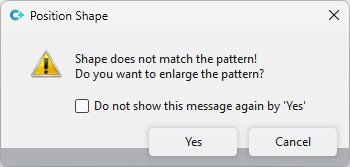
Kesim, desene uymuyor! Desen büyütülsün mü?
- Shape Edges tool window (only available in pattern projects)
If there is nothing selected in the area Search and you click on Değiştir, then the following message window appears:
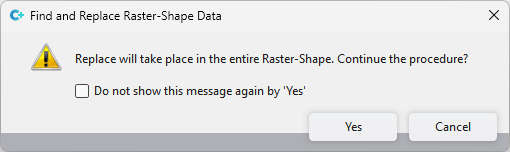
Değiştirme tüm kılavuz şeklinde yapılacaktır. İşlem devam etsin mi?
If you click on  'Evet' olduğunda bu mesajı gösterme in these windows, these message windows will not be displayed again.
However, if you want to undo these settings again, then proceed as follows:
|
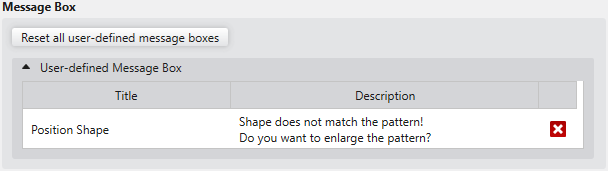
Kullanıcı tanımlı tüm mesaj pencerelerini sıfırla |
Click on this button to reset all user-defined message windows to the default settings. |
|
Kullanıcı tanımlı mesaj pencereleri |
All message windows in which settings were made are displayed. Click on the |
 beside the entry to only undo this specific setting.