How to Change the Size of the Fabric Pieces
- The order requires a dimensioned shape in several sizes.
- The size differences are created with the percentage according to the order.
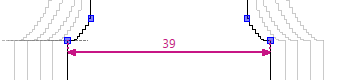
- The XS size presents an exception due to a fixed chest width specification of 39 cm.
- The dimensioned shape is open.
- The Show All Sizes
 status icon is activated in the dimensioning view.
  Options of the Dimensioning View
 - The Dimensions
 tool window is open.
- 1
- Select the
 menu of the ribbon.
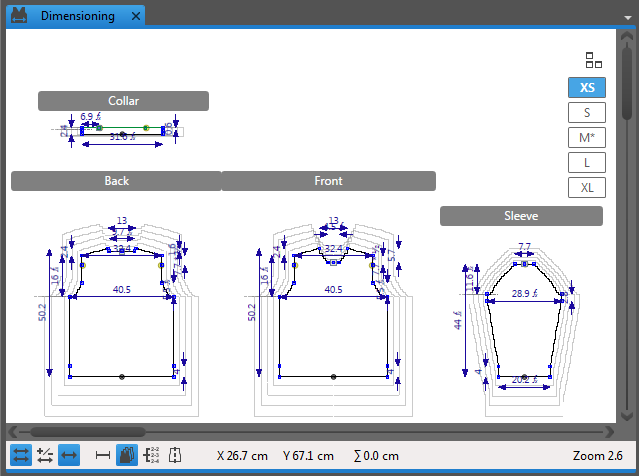
 - This size appears with a bold border in the dimensioning view.
- The dimensionings of this shape size appear.
- 2
- Click on the Chest Width dimension in the XS column of the Dimensions table.
- 3
- Replace the specified value with the chest width value 39 cm of the order.
- The position of the shape points of the XS size adjusts to the entered dimension.
 How to Proceed:
- How to Recalculate the Sizes After Changes
- How to Create Individual Sizes of a Stencil
- How to Set the Reference Line for the View of All Sizes
 Sets of Sizes