Create New Pattern Project with One Pattern
Create a New Pattern Project:
- 1
- Start the program double-clicking
 .
.
- or -
If the program is already running, open the 文件 → 新版本 tab via the ribbon.
- 2
- Create a 新花型项目 by clicking on
 花型项目.
花型项目.
-
CREATE PLUS gets started and the 新花型项目 dialog box appears.
- 3
- Make the required settings in the 项目 sector:
- Enter a project under 名称.
- Change machine type and gauge via the 更改机器 button if necessary.
- 4
- Select the desired knitting mode in the 编织工艺 sector.

- 5
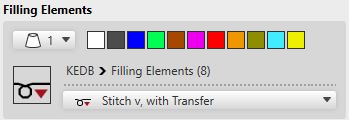
- Make the required settings in the 填充元素 sector:
- 6
- Enter the desired size of the design pattern in the 尺寸 sector by width and height.

- 7
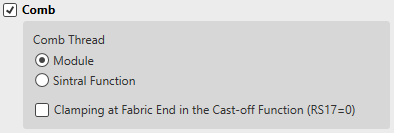
- Make the desired settings in the 牵拉梳 sector.
- 8
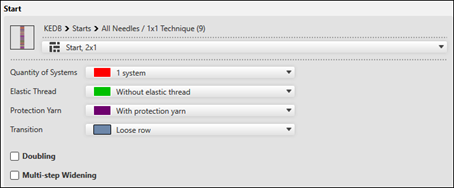
- Make the desired settings in the 起头 sector.
- 9
- Confirm the dialog box with the OK button.
- The new 花型项目 with one pattern appears in the symbol view of the main window.