User Interface of Dimensioned Shape Projects
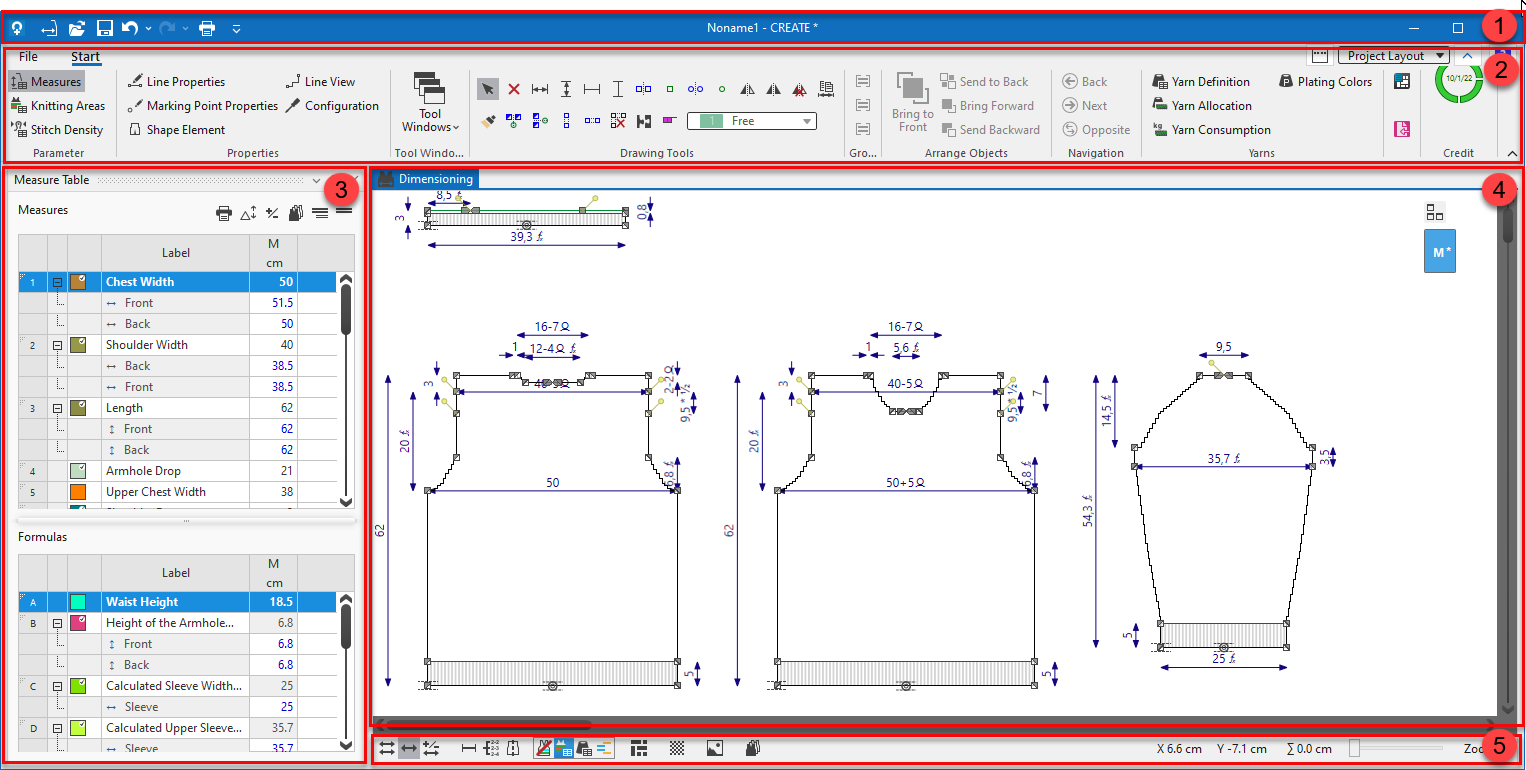
The user interface is divided into several segments:
|
|
Designation of the segment |
|---|---|
|
1 |
Quick Access Toolbar
|
|
2 |
Ribbons Containing the necessary groups for the corresponding editing. |
|
3 |
Measure and formula table Input of shape measures and formulas |
|
4 |
Document Window Editing window for the shape construction and dimensioning. |
|
5 |
Status Bar and Display Options Information about the cursor and the display options of dimensionings, gradings, images, modules, etc. |