Line Functions and Fade-out Edges
In the 线属性 dialog you can determine the different functions.
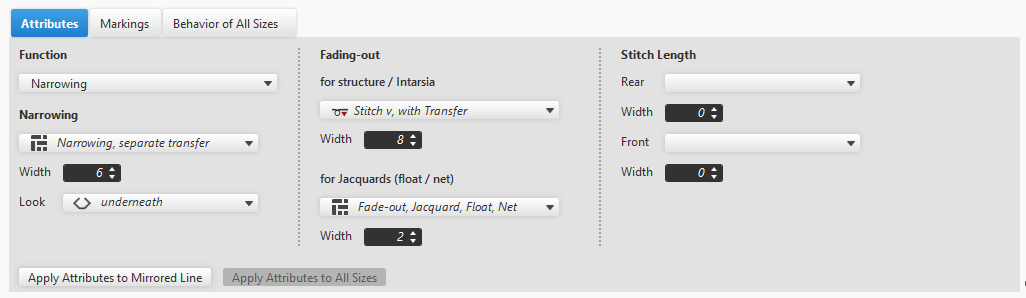
Line Functions
Under functions you'll find the following functions in the drop-down list box:
- 自动获取
- The function is automatically determined by the software based on the line curve.
- 没有功能
- The setting applies especially to lines that don't have any special technical function for implementation.
- Horizontal lines
- Vertical lines
- 收针
- A narrowing module is inserted.
- Select the narrowing module in the drop-down list box.
- Define the positioning of the narrowing based on the width.
- 放针
- A widening module is inserted.
- Select the widening module in the drop-down list box.
- Define the positioning of the widening based on the width.
- 多步骤收针
- At the shape line is carried out a multi-step narrowing.
- 多步骤放针
- At the shape line is carried out a multi-step widening.
- 拷针
- The line section of your shape is bind-off.
- 楔形
- The gore is inserted according to the outline.
- 边缘组织
- Fully Fashion shapes require fade-out edges.
- These areas are automatically blocked for patterning and serve to form safe edges.
- Select the module for the fade-out area in the drop-down list box.