Preset
预设 Section
默认设置 of 配置 / 所以模型 are available.
Make the desired changes.
 The modified settings are not transferred retroactively to the configuration.
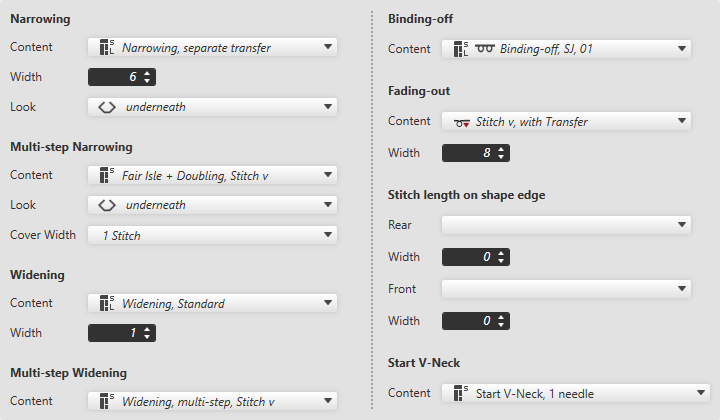
收针
|
内容 |
Select narrowing module from the offered options or directly from the Knit Explorer. | |
|
宽度 |
Set the width of the narrowing. | |
|
外观 |
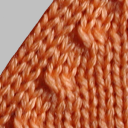
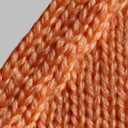
Select the look for narrowing. | |
|
下收针 |
上收针 | |


多步骤收针
|
内容 |
Select the module for multi-step narrowing. |
|
外观 |
Select the look.
|
|
覆盖宽度 |
Enter cover width. |
放针
|
内容 |
Select widening module. |
|
宽度 |
Enter width of the widening module. |

多步骤放针
|
内容 |
Select the module for multi-step widening. |
拷针
|
内容 |
Select module for the binding-off. |
边缘组织
|
内容 |
Select module for fading-out. |
|
宽度 |
Enter the width for fading-out. |

模型边缘线圈长度
|
后 |
Select the stitch length (NP value) for the rear needle bed. |
|
宽度 |
Enter the width of the deviated stitch length in the rear of the shape edge. |
|
前 |
Select the stitch length (NP value) for the front needle bed. |
|
宽度 |
Enter the width of the deviated stitch length in the front of the shape edge. |

V 领开始
|
内容 |
Select module for start of V-neck. |