Usage of Fill Selection

填满区域

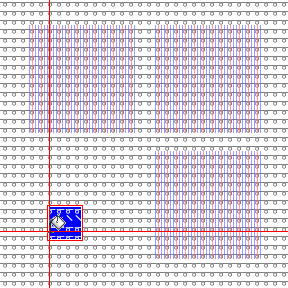
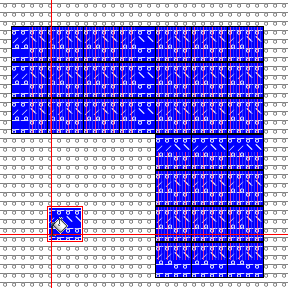
Fill with module and yarn color.

  • Select the areas of the pattern, which are to be filled.
    They don't need to be contiguous areas.
  • Select the attributes by which you want to fill.
  • Select any desired point in the pattern.
    You don't need to click into a selected area.
    The point you click, defines the repetition of the attributes in the selection in the entire pattern.

  • The selection in the 填充 group determines the result.

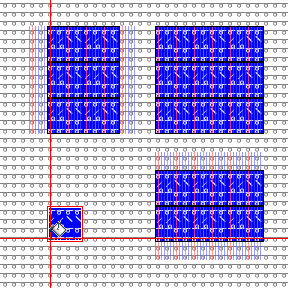
Fill with module and yarn color
不覆盖边界

Fill with module and yarn color
保持边界轮廓

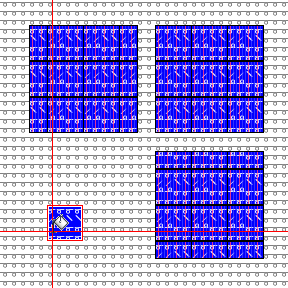
Fill with module and yarn color
覆盖边界