|
Rotate a selection with its content.
|
- Select the area to be rotated.
- Click on
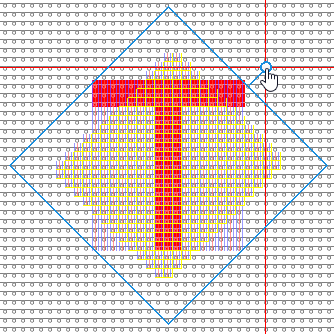
 选择区域及内容. 选择区域及内容. - Above the selection appears a circle with a blue border.
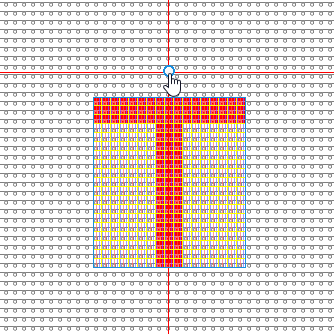
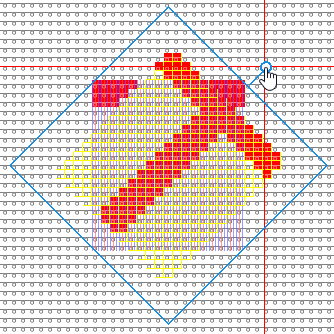
- Click into the circle and rotate the selection into the desired position.
-
角度(度)

Enter directly the angle of rotation.
- or -
Change the angle of rotation step by step. -
 固定角度(45°的倍数) 固定角度(45°的倍数)
Select this setting if you want to rotate the selection many times by 45º.
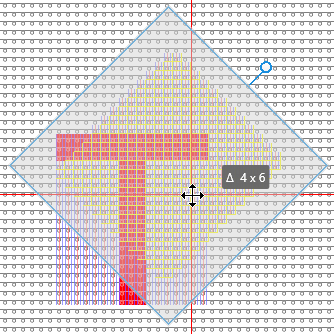
- Click into the selection to move it to the desired position.
In the tool tip you see the horizontal and vertical offset, by which it is moved.
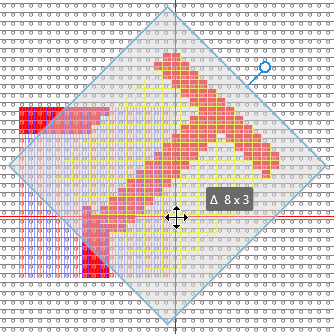
 Discard the rotation by ESC key. Discard the rotation by ESC key.
Press the ENTER key to enter the rotated pattern element and to finish the procedure.
|