Usage of Mirror Pattern Element

Mirror a selected area

  • Select the area to be mirrored.
  • Select 镜像翻转.
  • The 镜像翻转 dialog box appears.
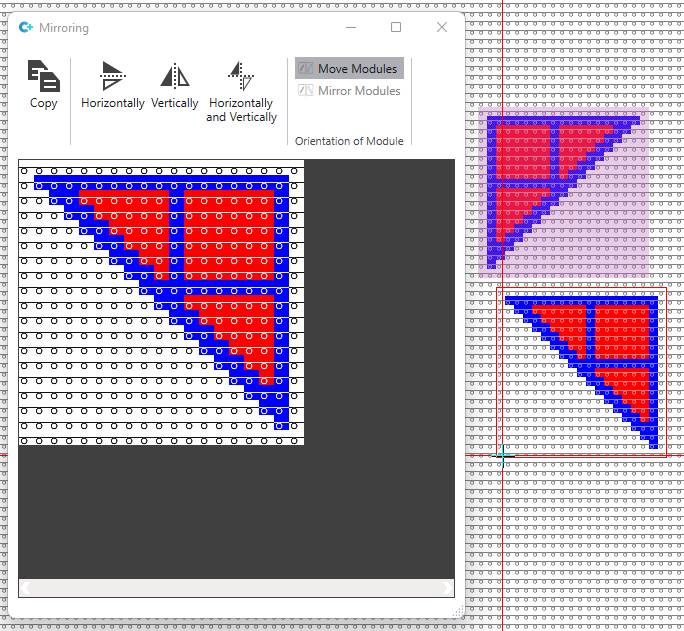
    The copy of the selection appears at the cursor.

  • Select whether you want to mirror at the vertical, at the horizontal or at both axes.
    E.g. at the vertical axis
    In the preview and at the cursor the selection appears mirrored.
  • Draw the mirrored selection in the pattern.

Mirror pattern element with modules

  • Select the pattern element to be mirrored.
  • Select 镜像翻转.
  • The 镜像翻转 dialog box appears.
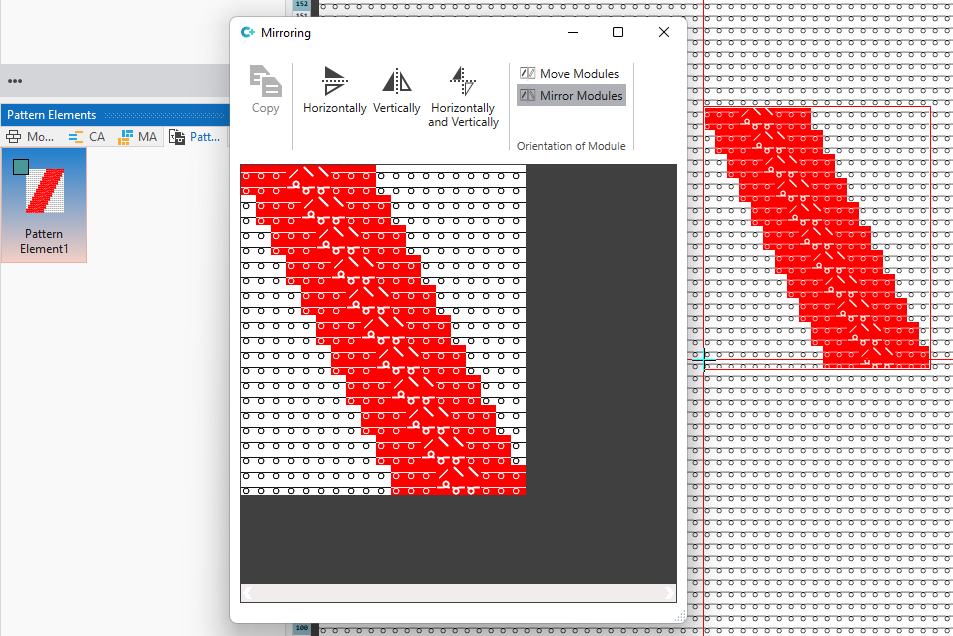
    The selected pattern element appears at the cursor.

  • Select whether you want to mirror at the vertical, at the horizontal or at both axes.
    E.g. at the vertical axis
    In the preview and at the cursor the selection appears mirrored.
  • Select the behavior of the modules in 模块方向.
    E.g. 镜像模块
    镜像模块 is possible only when mirroring at the vertical axis.
  • Draw the mirrored selection in the pattern.
    The modules are inserted in their mirrored version.