Open several document windows at the same time and arrange them.
You can open several document windows at the same time.
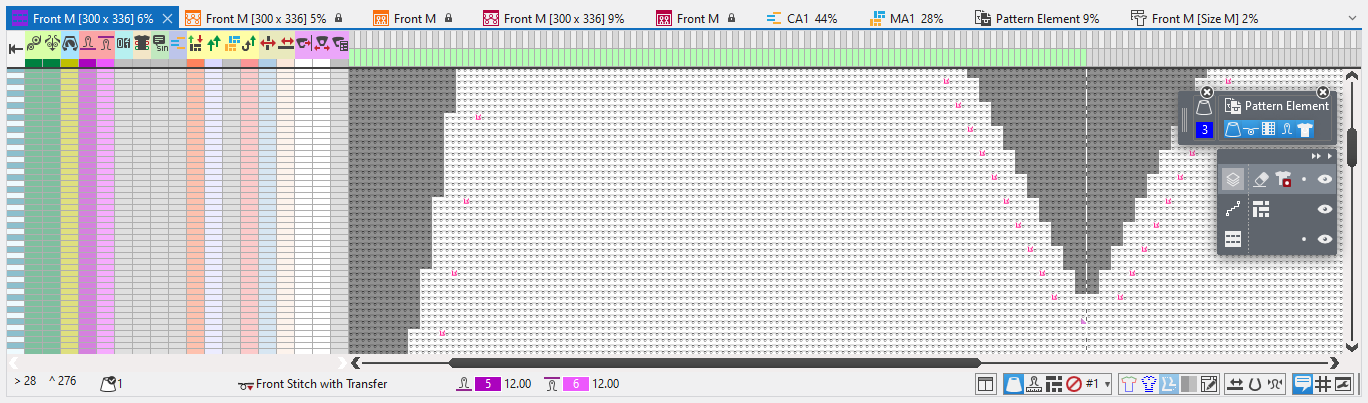
Every document window has their own status bar with specific indications and settings.
Corresponding tool windows are available for every document window.
Knitting elements have specific tool windows inside of the document in addition to the status bar.
When opening a shape, the 模型编辑 tab in the ribbon is displayed.
You can arrange the document windows as desired.
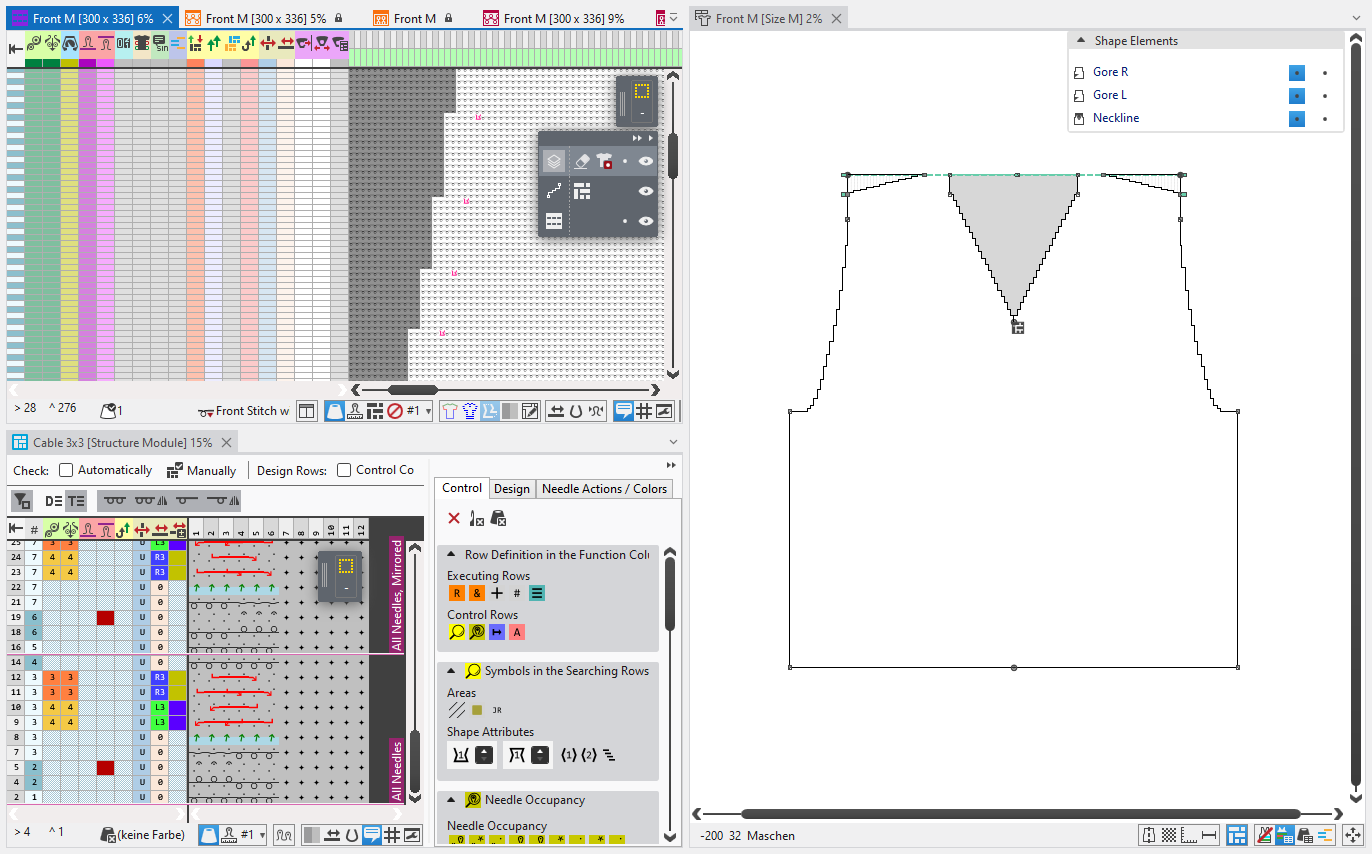
This way you move and position the document windows:
Cursor Attributes and Editing Layer
In the tool window of the cursor attributes and the editing layer you make the following settings: