Message Box
Settings can be made in the following message windows:
- Positioning of a shape in a pattern.
If the pattern is too small for the shape, then the following message window appears:
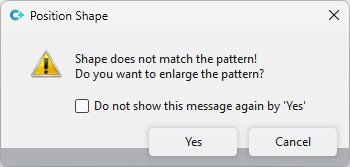
模型与花型不匹配! 是否要放大花型?
- Shape Edges tool window (only available in pattern projects)
If there is nothing selected in the area Search and you click on 替换, then the following message window appears:
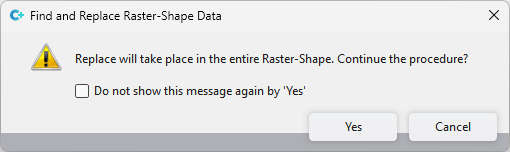
替换将在整个栅格花型内进行。继续该进程?
If you click on  不再显示该消息时点 “Yes” in these windows, these message windows will not be displayed again.
However, if you want to undo these settings again, then proceed as follows:
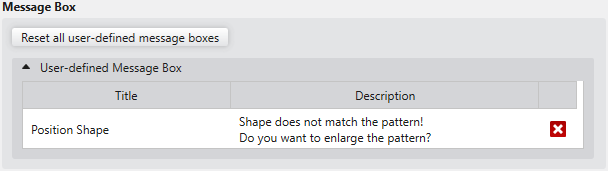
|
重置所有用户自定义消息窗口 |
Click on this button to reset all user-defined message windows to the default settings. |
|
用户自定义消息窗口 |
All message windows in which settings were made are displayed. Click on the |
 beside the entry to only undo this specific setting.