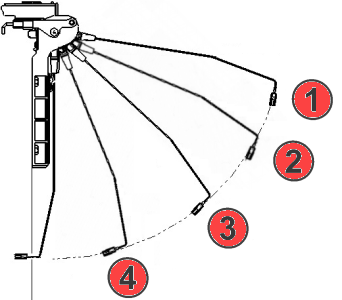
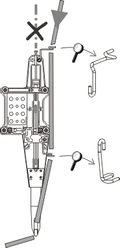
Yarn Feeding
Call up the 起头 tab -> 预览 group ->  导纱器 button.
Call up the 导纱器 tab -> 导纱器 group ->  喂纱 button.
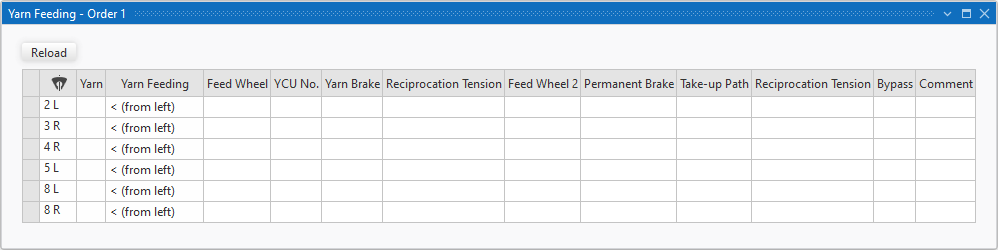
You enter notes here for the yarn feeding of the bobbins to the different yarn carriers, that are displayed in this table.
You can print this table or share it as a PDF file.
|
|
The inserted yarn carriers will be displayed. Sort by this column in order to get an overview of all yarn feedings. | |
|
纱线 |
显示纱线分配工具窗口的纱线。
| |
|
喂纱 |
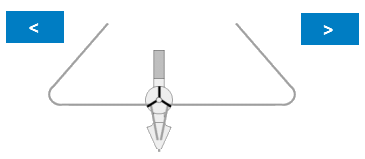
选择喂纱方向。
| |
|
<V (从左上) |
| |
|
V> (从右上) | ||
|
< (从左) |
| |
|
> (从右) | ||
|
送纱器 |
在纱线控制装置之前输入送纱器的注释。
| |
|
YCU数量 |
设置纱线控制装置的数量。 | |
|
纱线制动 |
设置纱线控制装置的制动效果。 Example: | |
|
|
Empty entry, deletes the selection. | |
|
弱 |
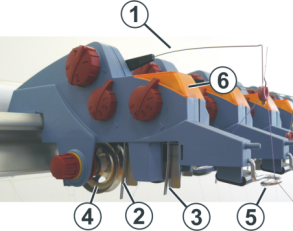
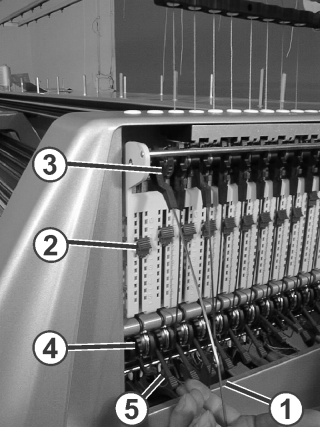
Adjust a weak braking effect at the YCU yarn brake (4). | |
|
中 |
Adjust a middle braking effect at the YCU yarn brake (4). | |
|
强 |
Adjust a strong braking effect at the YCU yarn brake (4). | |
|
往复卷取張力 |
选择纱线控制装置的回弹力。 | |
|
送纱器 2 |
在纱线控制装置之后输入送纱器的注释。
| |
|
持续制动 |
输入侧门处持续制动装置的注释。
Enter note to the setting of the braking effect at the knurled nut (1) or the adjusting lever. | |
|
回纱路线 |
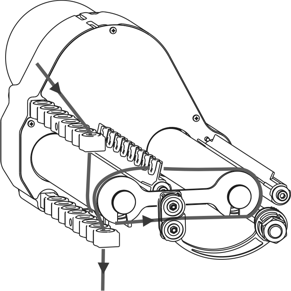
选择侧面纱线张力臂的回纱路径。
| |
|
往复卷取張力 |
选择侧面纱线张力臂的回纱张力。
| |
|
旁路 |
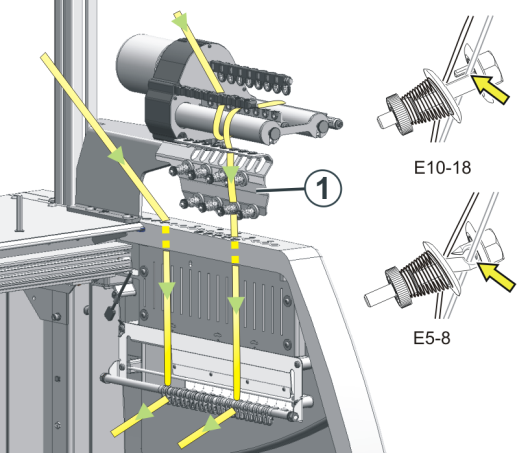
设定自走导纱器旁路套件 (ID 或针距).。 Example: If necessary, enter ID and gauge. | |
|
注释 |
输入其他特殊附件和注释。 Examples:
| |