Add New Sizes
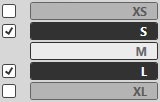
Add the sizes S and L.
- Open the context menu in the M column title of the Dimensions table.
- Select Add New Sizes....
- The Add New Sizes dialog box appears.
- In the Sizes group box deactivate the check box for XS and XL.
- Activate the
 Grading check box.
- In the Resizing group box select the
 Absolutely (difference from the table) option button.
- Confirm with
 .
.
- The added sizes S and L appear in the Measure Table with the calculated measures if the display option
 is activated.
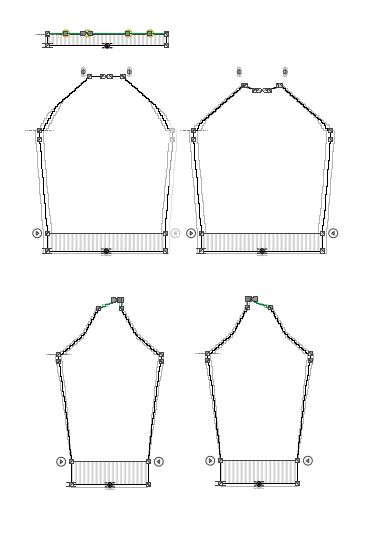
- With the status icon activated all the sizes appear in the dimensioning view.