How to Flip a Vertical Dimensioning
- The dimensioned shape is opened in the Dimensioning View
 .
.
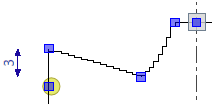
- The startpoint and endpoint of the shoulder are dimensioned vertically to each other.
- The result does not match the vertical position of the shape points.
- Open the context menu for the desired dimensioning.
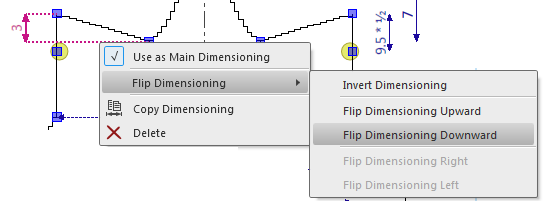
- Select Flip Dimensioning
 Flip Dimensioning Downward.
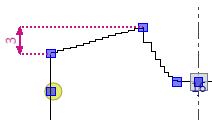
- The endpoint of the shoulder is positioned above the startpoint of the shoulder.
 |
You can flip vertical dimensions to the top or horizontal dimensions to the left or
right the same way.
|