Knit-off Gore Options (dialog box)
You open the dialog box with the Options... button in the Line Properties tool window if the  with Knitting-off Rows check box is active.
Quantity of Rows group box
-
Additional Knitting Rows

Enter the quantity of additional knitting rows.
Example for an additional knitting-off row on the left side: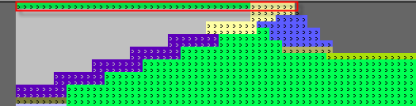
-
Knitting Rows within the Gore Line
-
Left / Right
Differentiation between gores on the right and on the left side. -
Align Quantity of Rows by Interlock
Compensates the different quantity of rows at the right and at the left.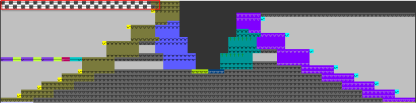
 Only with a difference of one knitting row available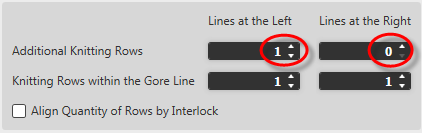
Binding-Off group box
-
Binding-off
Assigns binding-off to the finalizing row. -
Knitting Element

Select a knitting element for binding-off.
 How to Proceed: