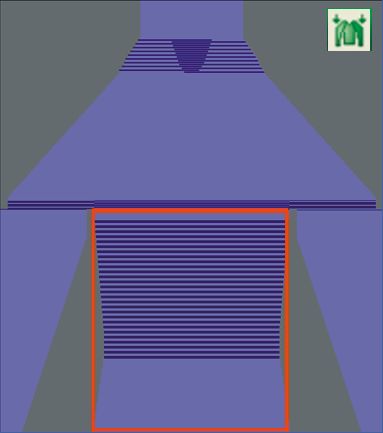
With suspending rows you can easily compensate the different lengths of shape parts.
With the shape symbols and in the Shape tools toolbar, you specify, whether the not suspending areas will be moved upward or downward. You can draw these symbols also in areas outside shape.
Fading-out of the suspending areas can be activated or deactivated with the symbol Display Pattern Collapsed in the Pattern Presentations k&w toolbar.
You fade-out the suspending rows to draw easier in these pattern areas.
You display the suspending rows to be able to edit suspending rows. : Displayed suspending rows will not be skipped when drawing.
Set a pin to be able to recover quickly a given position after switching the view .
 and
and  in the Shape tools toolbar, you specify, whether the not suspending areas will be moved upward or downward.
 in the Pattern Presentations k&w toolbar.
 : Displayed suspending rows will not be skipped when drawing.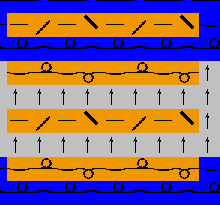
 to be able to recover quickly a given position after switching the view