Shape Part Colors
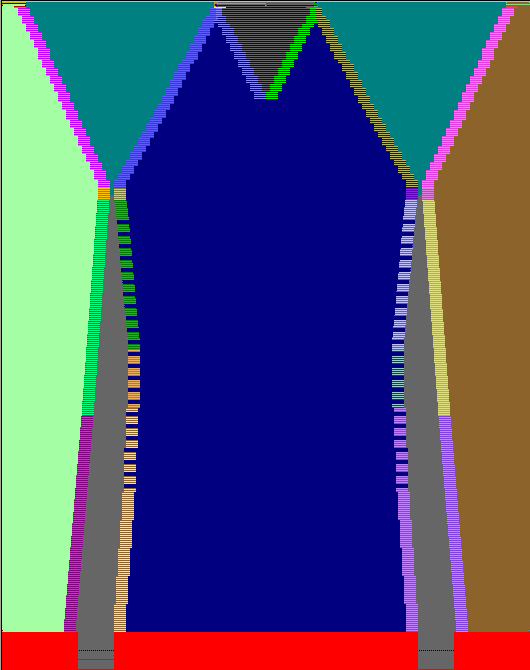
- The different shape parts can be recognized by the different shape part colors.
- When cutting out the shape
 , the shape part colors are automatically entered.
 - You can select the shape part colors in the Shape tools toolbar and use them in the Symbol View (Shape).
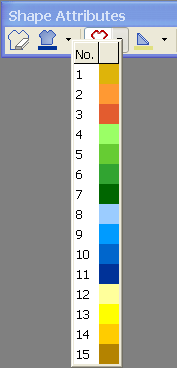
- This way, you can allocate strategically individual stitches to a shape part.
- The first shape part color
 (#0) means outside shape.