Move the shape
Symbol  from the Drawing tools toolbar
Move shape present in the pattern:
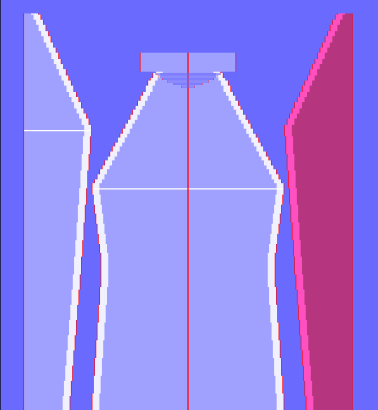
- In the basic pattern, a shape is opened and positioned, but not yet cut-out.
- 1
- Click the Toggle Move Shape
 icon in the Drawing Tools toolbar.
 - 2
- Move the shape part with mouse button pressed.
With the symbol in the Drawing Tools toolbar you locate the shape to be able to draw.
Clicking again on the symbol, the shape can be moved again.
If Move Shape is active, nothing can be undone.
Deactivate Move Shape before calling up the  function.
In the Tool Properties toolbar, you choose between the options:
Move several shapes at once:
- In the basic pattern, a k&w shape is opened with several shape parts and positioned, but not yet cut-out.
- 1
- Click the Toggle Move Shape icon in the Drawing Tools toolbar.
- 2
- Select the desired layer in the Tool Properties toolbar.


- 3
- Select the shape parts with the Ctrl key pressed.
- 4
- Move the shape parts with the Ctrl key pressed.