Drawing Tools
-

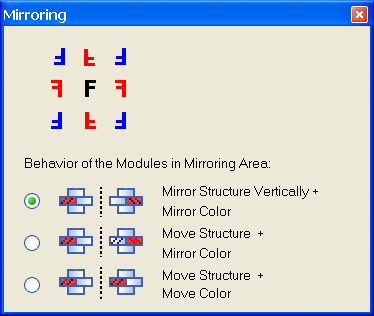
You can insert selected modules vertically mirrored with the function.
Select the options for mirroring of the modules within the selection in the Mirroring dialog box.
-

You can specify needle actions or colors for the characters and for the background in the Text in pattern element dialog box.
Suppress the undesired data in the Module Data toolbar. -
 and
and 
You execute the and function by a click into the pattern.
You can specify the direction of the insert for the selected module or pattern element by the position of the cursor. -

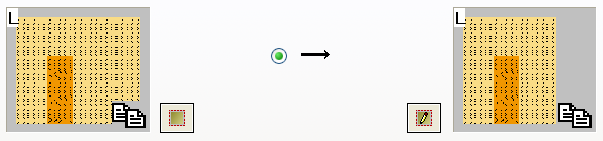
With the  button, you insert a selection in the Find and replace dialog box.
With the  button, you open the selection again in the Module editor.
The new button is located on the bottom left next to the right display field.
- Measuring with the coordinate display of the cursor
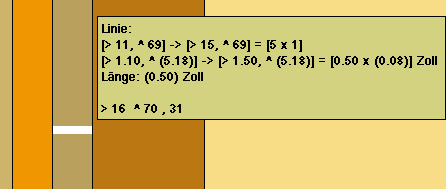
Context menu Cursor / Coordinate Display / Extended + Measuring (M key) - The difference of the actual cursor position the stitch at the lower left of an existing selection is displayed additionally with the extended coordinate display.
- You can measure horizontal distances in the Symbol View [Preview] (of an expanded selection).
- You can measure horizontal distances in the Yarn Field View.
Draw up a horizontal line in the Yarn Field View with the left mouse button pressed and with measuring.