Plissee Variant 1
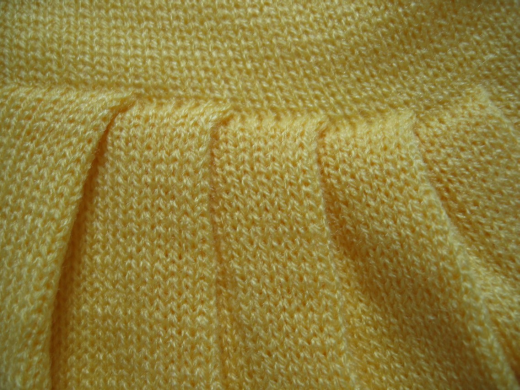
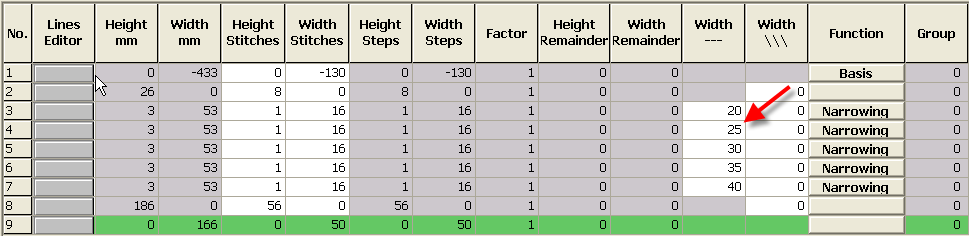
Generate the shape for the variant 1 of the plissee skirt:
- 1
- For the shape edge 3, enter the value 16 in the column.
- A module with the width of 16 needles will be inserted.
- 2
- Enter the value 20 in the column in order to place the module at the right position.
- The module will be inserted 20 needles to the right of the left edge.

- 3
- Call-up the shape attribute of this shape edge.
- 4
- Enter 20.
- 5
- Enter 100
- 6
- Select the Plissee module for Structure single jersey.
- 7
- Call-up the shape attributes of this shape edge.
- 8
- Enter the fading-out width 0.
- 9
- Select the empty field for Structure single jersey.
- 10
- Increase the value in column by 5 for each additional pleat.