Arrange Modules, Pattern Elements and Arrangements
You can arrange modules, pattern elements and arrangements in the Module Explorer of Pattern and in the Modules toolbar as desired by moving them.
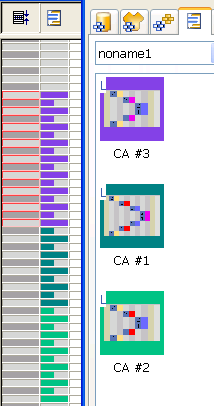
Arrange CAs in the Modules toolbar according to the control column:
- Pattern with several CAs.
- 1
- Open the tab in the Modules toolbar.
- 2
- Move individual CAs until the desired sequence is achieved.
- The arrangement in the tab corresponds to the allocation in the control column.