Inserting the area at the selection border
-
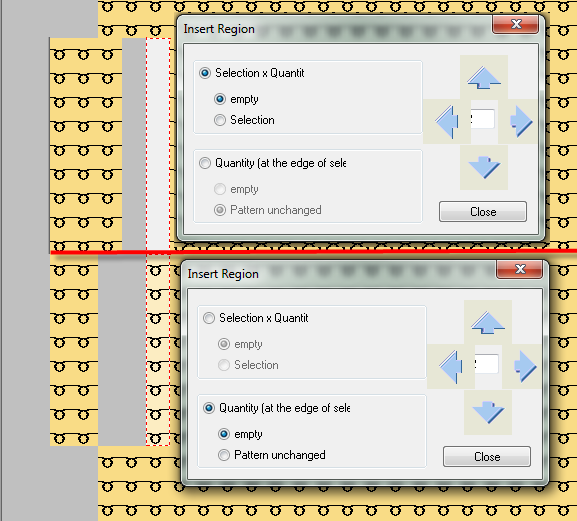
- Inserting the set number of rows or columns at the border of the selection independent of the width or height of the selection.
- The inserted area can be empty or enlarge the pattern as it is.
- Application example:
- Split a pattern along a selvedge that is shaped as desired and enlarge it by a fixed number of stitches. You define the insertion selvedge by the selection.
- The pattern is expanded to the left starting at the left selection selvedge and to the right starting at the right selvedge. The expansion of the selection itself is irrelevant.
The selection is preserved.