Attributes at the cursor
- While you draw, the preview displays the drawing attributes, which you have selected and are used.
Example:
If you have selected pattern element without color, the pattern element is presented at the cursor without color.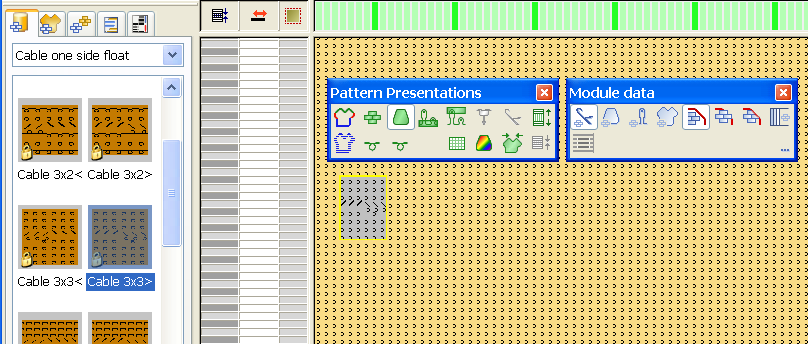
- The selected attributes are presented as symbol at the cursor.
These are the symbols for needle action, pattern color, stitch length and shape data.