Shape
- Select default attributes in the Shape attributes and Add missing edges dialog boxes.
With it, you allocate specified attributes to existing or new shape edges.
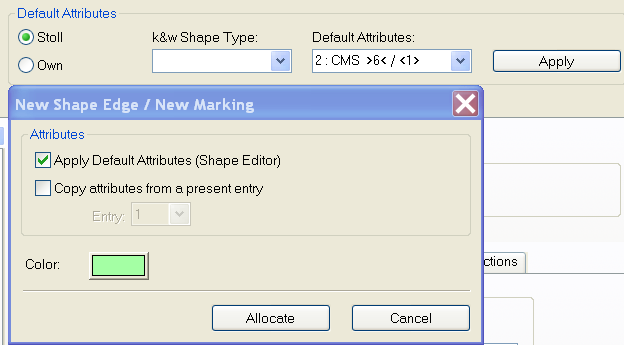
- In the Shape attributes dialog box you can select default attributes as in the Shape editor.
- In the Add missing edges dialog box you can select the default attributes.
- You can change or add default attributes in the Shape editor only.
- Preview of the shapes (shv, shp) in Windows Explorer and in the Open shape dialog box.
The shape files as from the M1plus version 4.1 have a preview graphic. - In the file selection dialog boxes it is displayed as thumbnail and as preview.
- In Windows Explorer it is displayed as thumbnail.