Allocation via shape
Allocate Color Arrangements with repetition areas to the shape attribute of a shape.
The editing is carried-out only with Design patterns. With the processing step the color arrangements are entered expanded with repetition areas in the pattern.
Example: Binding-off at the shape edge
Procedure:
- The shape is loaded
- 1
- Open shape attributes
- 2
- Select edge number
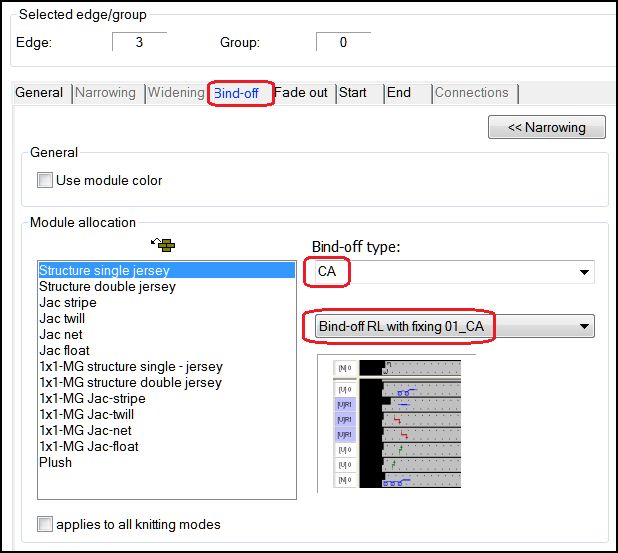
- 3
- Allocate the binding-off function
- 4
- In the list field select the type.
- Now, you select color arrangements of the Binding off CA folder
- 5
- Select binding off CA.
- Binding off CA is allocated and is expanded with the processing step .
Color Arrangements with repetition areas can be allocated directly with drag & drop as well.
The most recently selected binding off is displayed at the end of the list regardless of the binding off type.