Optimized racking display in the design mode
The behavior when expanding patterns where in racking is involved changed with version V6.0.
With the version V6.0 applies:
The existing patterns will be expanded according to the new method and not converted automatically.
This way you obtain a different result.
The existing patterns will be expanded with the same result if the control column of the affected rows is given the entry VJA^v manually.
Up to now: The racking position of the needle beds was taken into account when drawing or must be adapted after the processing step .
New:The pattern is drawn and displayed with the racking position 0, so that the needle actions of the rear needle bed will be moved by the racking value after the processing step . Then the modules will be entered with reference to the position in the front needle bed.
Knitting with racked beds
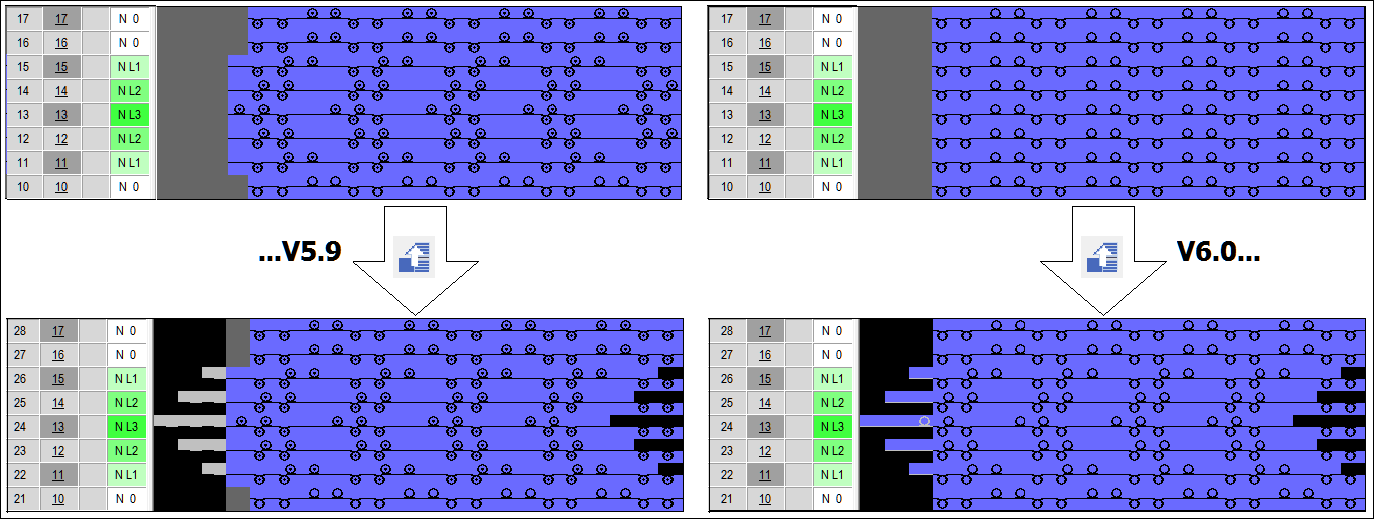
Transferring with racked beds
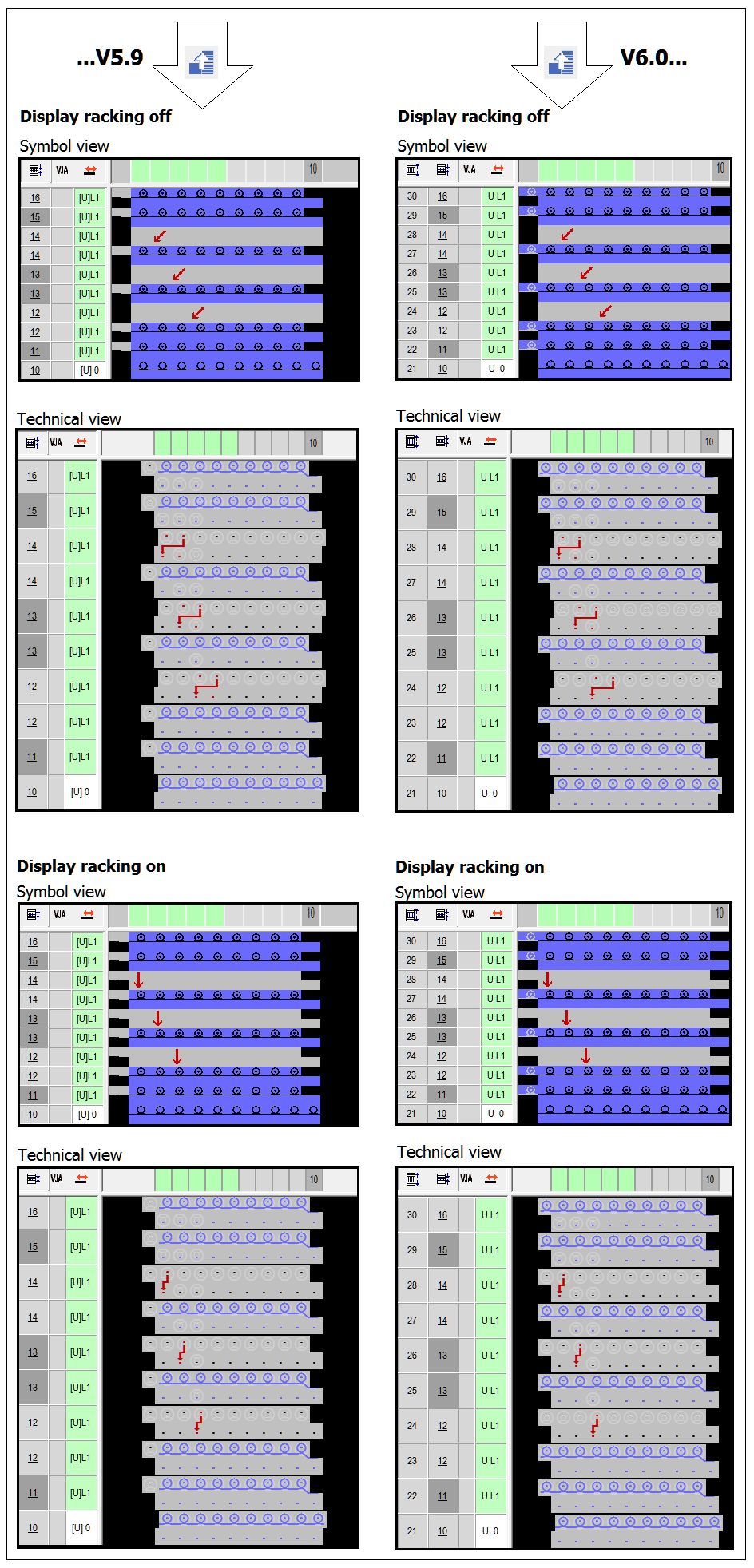
Knitting rows with split needle action
Split needle action is handled like transfer. When expanding, the position of the delivering needle is relevant. In this case, the receiving needle is used on the opposite needle bed and overwritten if necessary.
This way, a split needle action remains always together.
Additional information is contained here: