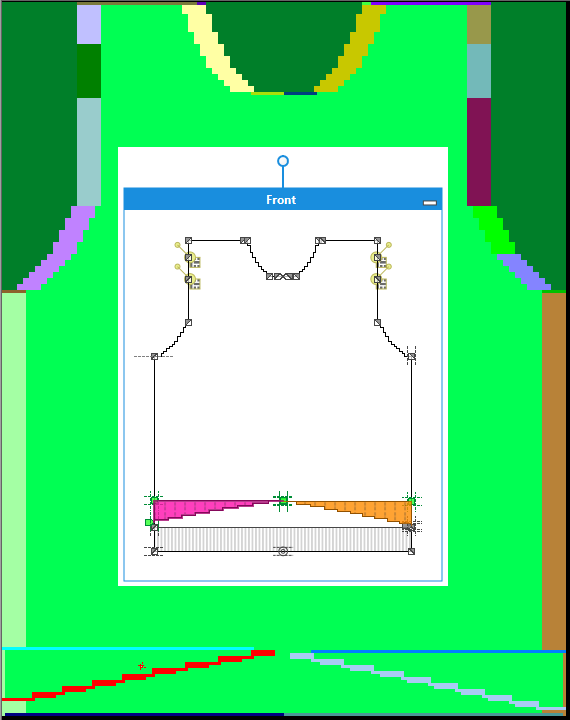
GKS Dimensioned Shape ...
For GKS Dimensioned Shapes only
Import the GKS dimensioned shape as new pattern into the M1plus:
- 1
- Run the function in the menu.
- The Open dialog box appears.
- 2
- Select shape file.
- 3
- Confirm with Open.
- The Select Fabric Piece dialog box appears.
- 4
- Select a fabric piece, a size and parameters.
- 5
- Confirm with OK.
- The New Pattern dialog box appears.
- 6
- Complete settings and confirm with Generate Design Pattern.
- A new fully fashion pattern will be created for the selected fabric piece in the selected size.