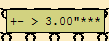
Measuring with the Cursor
Measure horizontal distances within the Yarn Field View or in a write-protected Symbol View:
- 1
- Activate the at the cursor.

- 2
- Draw up a horizontal line from the left to the right in the Yarn Field View with the left mouse button pressed.
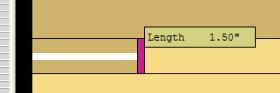
 : You can specify a threshold value for the measuring function in the Coordinate display dialog box as well.