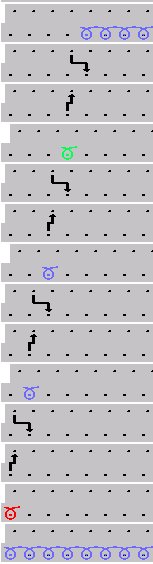
Drawing with step module
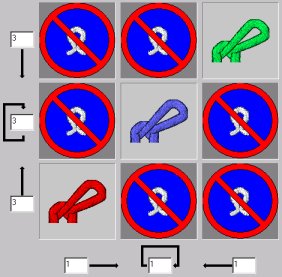
Draw with a step module:
- 1
- Click on the desired module in the Modules toolbar or in the Module explorer.
- In the Drawing tool toolbar the icon
 is automatically active.
- 2
- Pull on a selection in the fabric.
- The module is drawn-in in a pattern row. Regardless of the start of the selection, the individual modules are inserted in the pattern in accordance with the direction specified in the dialog box. The modules of the bottom and top row are each only inserted in the pattern once and the module in the center is repeated several times in dependence on the selection.
This module is mainly used for binding-off.