Positioning of the Binding-off module
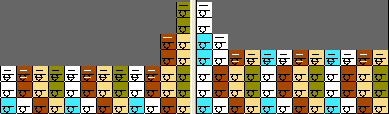
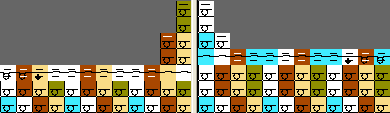
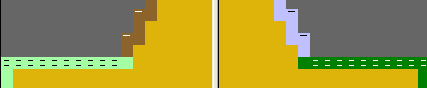
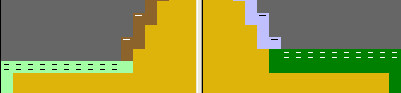
Binding-off modules with different starting directions might be positioned in the same row by the shape.
Depending on the knitting direction one of the binding-off module will be moved one Pattern row upwards by the Technical Processing.
|
Before Technical Processing |
After Technical Processing |
|---|---|
|
|
|
|
|
|
Correct the position of the binding-off module in the shape
- Activate Shape edges
 and
and  in the toolbar.
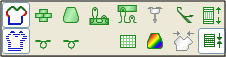
- 1
- Activate , and in the Module Data toolbar.
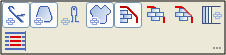
- 2
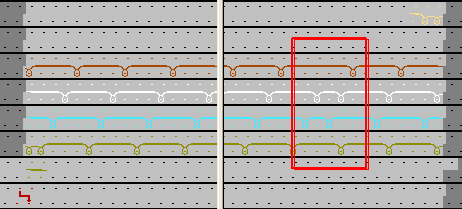
- Copy the binding-off row and the previous row by one row upwards in the Symbol View.
- 3
- Activate
 and deactivate in the Pattern Presentation toolbar.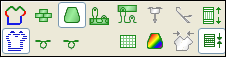
- 4
- Deactivate in the Module Data toolbar.
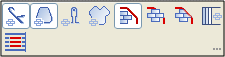
- 5
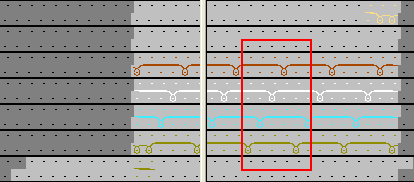
- Insert the desired part in the binding-off row.
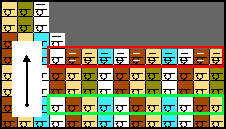
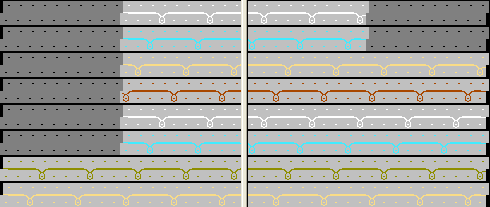
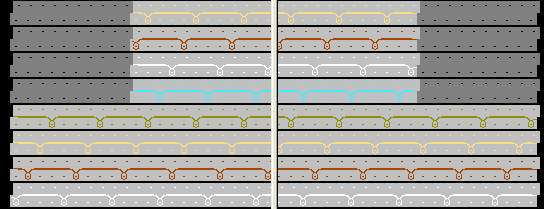
- Depending on the respective pattern row the binding-off module are inserted correctly in both sides.
|
Before Technical Processing |
After Technical Processing |
|---|---|
|
|
|
|
|
|