Align pattern areas
With the function, you move pattern areas of shape or k&w patterns.
This enables you to edit more simply areas with an angular course.
For this purpose, aligning symbols have to be drawn-in in the pattern.
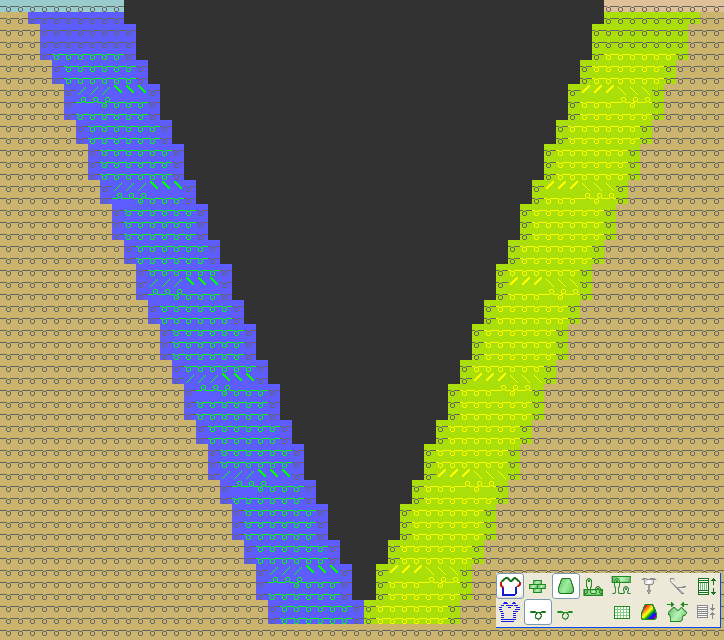
Align a V-neck to draw in a cable:
- Shaped pattern with cut-out body front.

- 1
- Activate Symbol view with shape symbols.
 +
+  +
+ 
- 2
- Fill the area outside shape in the V-neck with aligning symbols.
With the drawing tool
On the left half: +
+ 
On the right half: +
+ 
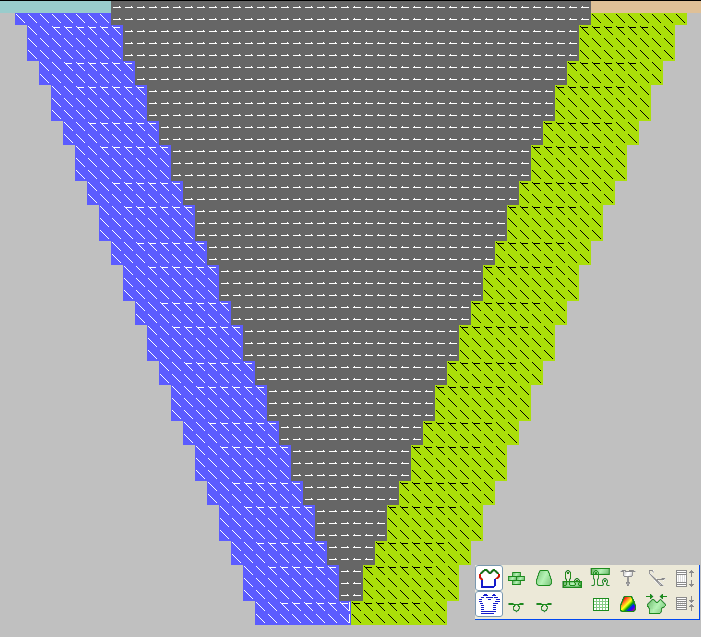
- 3
- Deactivate shape symbols.
- 4
- Align the presentation.

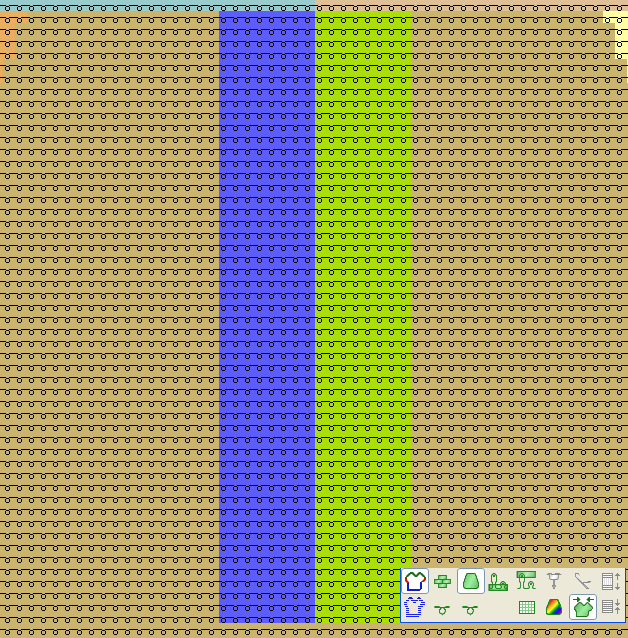
- 5
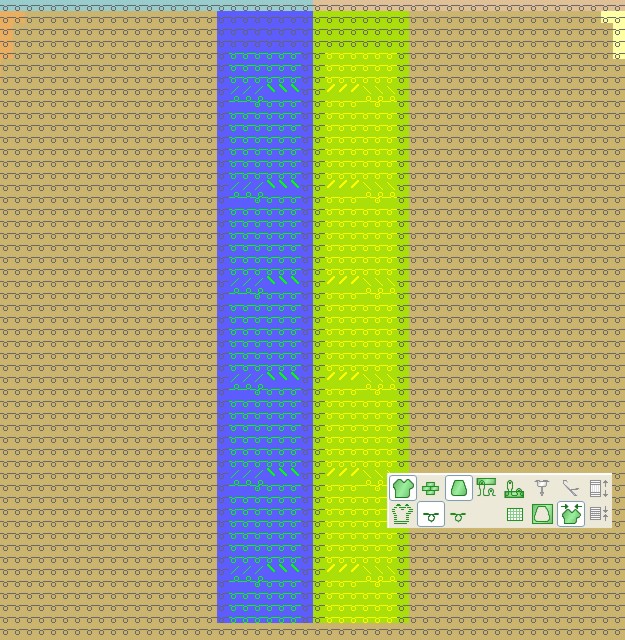
- Draw- in the cable modules Cable 3x3< and Cable 3x3> with the drawing tool
 .
. 
- 6
- Activate the normal presentation again.