Calling up the Setup2 Editor on the machine
Call up the Setup2 Editor with the Setup data of the current pattern:
|
Key |
Function |
|---|---|
|
|
Call up the window |

- 1
- Call up the in the .
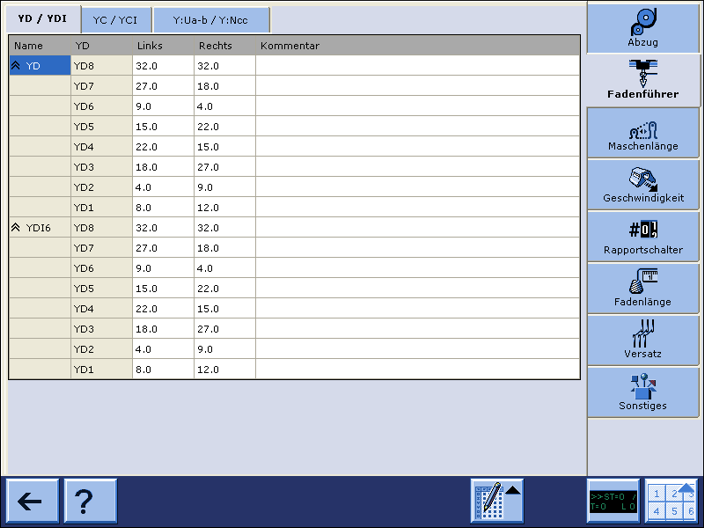
- The window appears.
How to open the Setup2 file in the Setup2 Editor:
You can edit Setup2 data independently to the running production by the file mode.
- 1
- Call up the window.
- 2
- Get the Zip file displayed.

- 3
- Tap the Setup2 file (*.setx).
- The window appears in the file mode.