Generate motif and shape
Generate the motif:
- 1
- Select Basic pattern (pattern without shape) and .
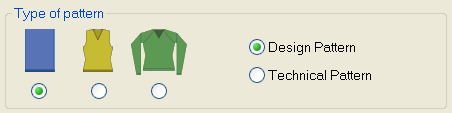
- 2
- Select the desired start.
- 3
- Confirm the settings with Generate Design Pattern.
- 4
- Draw the pattern for devoré with two different yarn colors or yarn carrier colors.
Create shape:
- 1
- Generate a shape in the Shape Editor.

- 2
- Settings for the fade-out function
- No special settings necessary if yarn color #31 is used in the pattern (basic color / motif thread).
- If another color than yarn color #31 is used for the motif thread, then a private fade-out module is to be created and allocated to the shape edges.
- 3
- Save the shape via the / or menu.
- 4
- Exit the M1plus Shape Editor by
 .
.