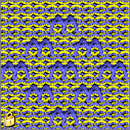
Possible jacquard selection with 2-colored motifs (devoré knit / plush)
Insert different jacquards with 2-colored motifs:
- The motif is drawn with 2 colors, the shape is positioned and cut-out.
- 1
- Call up the Jacquards dialog box via the / menu.
- 2
- Select the desired jacquard generator under the / section and insert.
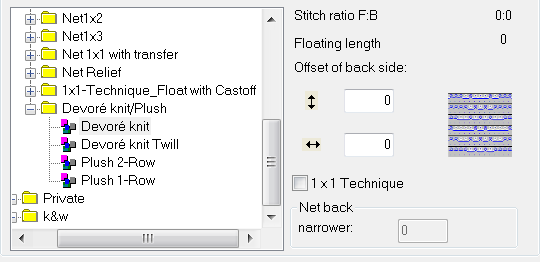
- Selection options:
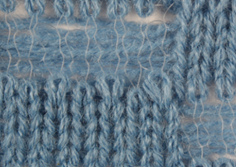
- Devoré knit
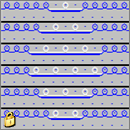
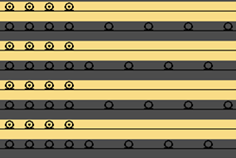
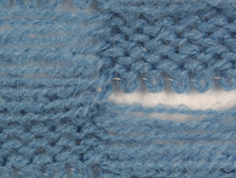
- Devoré knit Twill
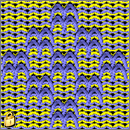
- Plush 2-row
- Plush 1-row
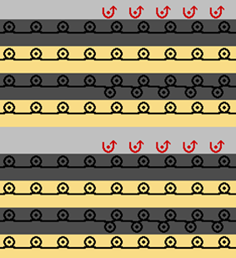
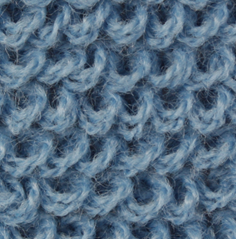
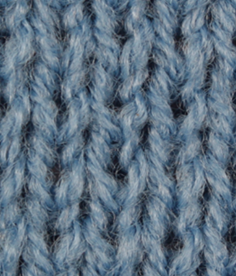
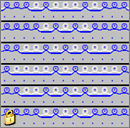
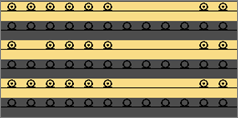
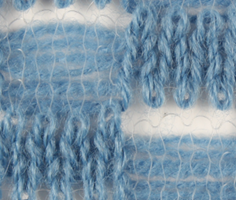
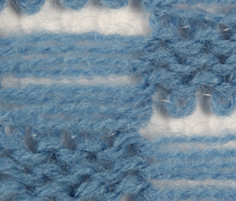
Devoré knit:
|
Representation of the module | Function | ||
|---|---|---|---|
|
| ||
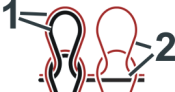
| 1 | Selection motif thread and binding thread stitch - stitch | |
2 | Selection motif thread and binding thread float - stitch | ||
Stitch line |
| ||
Fabric View | Front | Rear | |
|
| ||
Devoré knit Twill:
|
Representation of the module | Function | |
|---|---|---|
|
| |
Stitch line |
| |
Fabric View | Front | Rear |
|
| |
Plush 2-row:
|
Representation of the module | Function | |
|---|---|---|
| The binding thread works on all needles and binds the plush loops formed in every row. Two plush loops formed consecutively are cast-off afterwards.
| |
Stitch line |
| |
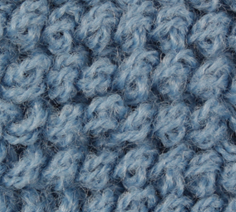
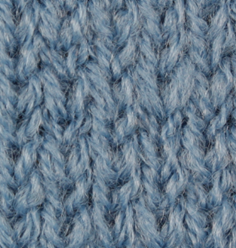
Fabric View | Front | Rear |
|
| |
 An outline change of the motif is possible only after 2 rows.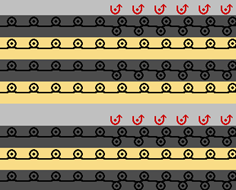
Plush 1-row:
|
Representation of the module | Function | |
|---|---|---|
|
| |
Stitch line |
| |
Fabric View | Front | Rear |
|
| |