Reference row
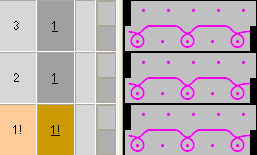
If a specific knitting row of a module is to be positioned on a specific knitting row in the pattern, a knitting row has to be defined as reference row in the module.
I. Define Reference Row:
- Module with several knitting rows
- The knitting rows are grouped to one pattern row.
- 1
- Select the knitting row, which is to be used as reference row.
- 2
- Allocate the reference to this knitting row via / .
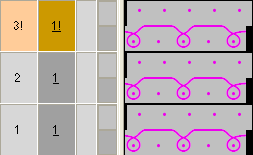
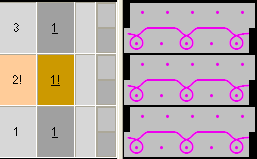
- You can recognize a reference row by the color mark and the ! symbol in the control columns pattern row and technical row.
II. Use reference row:
- Module with reference rows in the Design Mode:
- 1
- Select the pattern rows
- 2
- Create the preview window with the
 button.
- Result: presentation of the
|
Reference row |
Module with reference row |
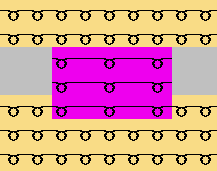
Inserted in the pattern |
|---|---|---|
|
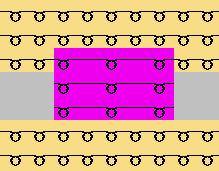
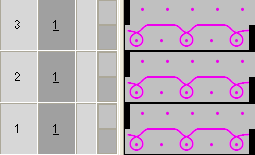
3rd module row is reference row |
|
|
|
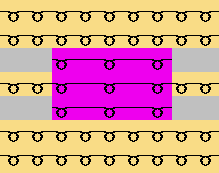
2nd module row is reference row |
|
|
|
1st module row is reference row |
|
|
|
No reference row |
|
|