Create Ornamental Stitch
Create the ornamental stitches with the drawing tool Argyle:
- 1
- Open the Argyle dialog box with
 .
. - 2
- Generate a pattern element with the following settings:
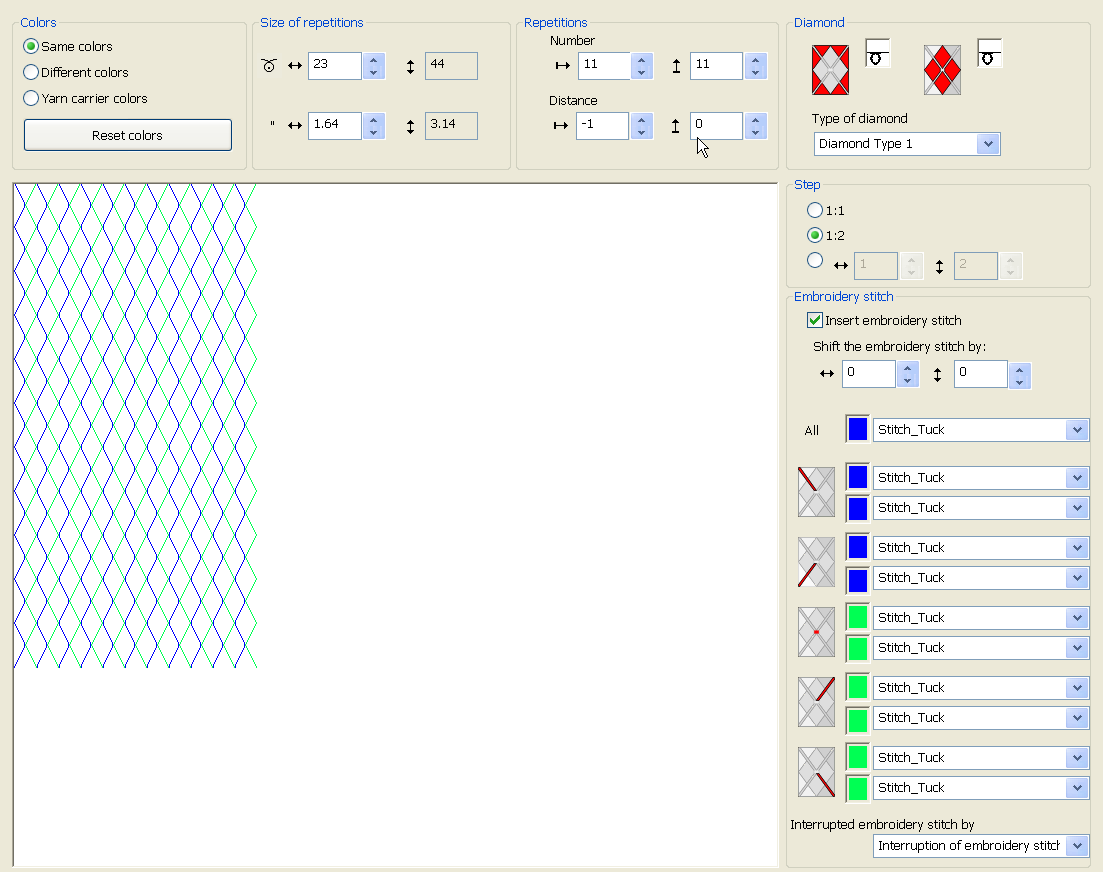
- 3
- Replace the diamond color with the color #1.
Generate module for ornamental stitch:
- 1
- Open the Modul-Explorer Datenbank.
- 2
- Under Jacquard/ Stoll/ Flottung Zierstich/ 2-farbig select the Stitch_Float jacquard.
- 3
- With the right mouse button create a copy and rename it.
- 4
- Open the copied Jacquard and correct into Stitch_Tuck or Tuck_Stitch.
|
Changed Jacquard modules | |||
|---|---|---|---|
|
Stitch_Tuck |
|
Tuck_Stitch |
|
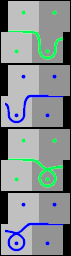
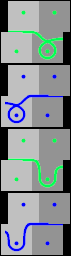
- 5
- Close the changed module with
 .
. - 6
- In the Argyle dialog box in the selection menus for ornamental stitches, select the module.
Create the pattern element for ornamental stitch and insert it in the basic pattern:
- 1
- Click on the Create pattern element key.
- 2
- Draw-in the pattern element into the basic pattern on the first row.
- 3
- Delete the first and the second pattern row. The diagonals start with a distance of 1. The yarn carriers are knitted-in consecutively.
- 4
- Replace the basic color in the pattern with the basic color of the pattern element.