Carry out a row selection in the area of the motif.
2
Open the Jacquards dialog box via the Edit / Generate or Edit Jacquard... menu.
3
Activate the suited (yarn bridges) option in the Properties of Jacquard No. of colors section.
4
Select the desired jacquard generator (back) from the module tree.
5
Enter the desired number of needles in the edit box under Net back to get the ladder back of the selected area narrower in the width regarding the face of the Jacquard.
6
Confirm setting with Apply or OK.
Jacquard back (yarn bridges) will be inserted.
II. Make settings in the Yarn Field Allocation:
1
Call up the Yarn Field Allocation dialog box by .
2
Make the desired settings:
Allocate a yarn carrier from the pattern to the start.
Change the knitting-in direction of the yarn fields.
III. Make settings in the Configuration:
1
Call up the Configuration dialog box with the Pattern Parameters / Configuration... menu.
2
Call up the Intarsia tab.
3
Make the desired settings under the Net Pick-up section.
Select the type of net pick-up (module):
1-row with pattern tension
3-row_without_transfer
At Starting before Jacquard (rows) select how many rows before the beginning of the Jacquard, the Net pick-up module is to be inserted:
2 rows (standard)
1 row
Suppress Picking-up a Single Needle:
: The module for Net pick-up is not entered in case of changing the jacquard back by only one needle.
: The module for Net pick-up is also entered in case of changing the jacquard back by only one needle.
 option in the section.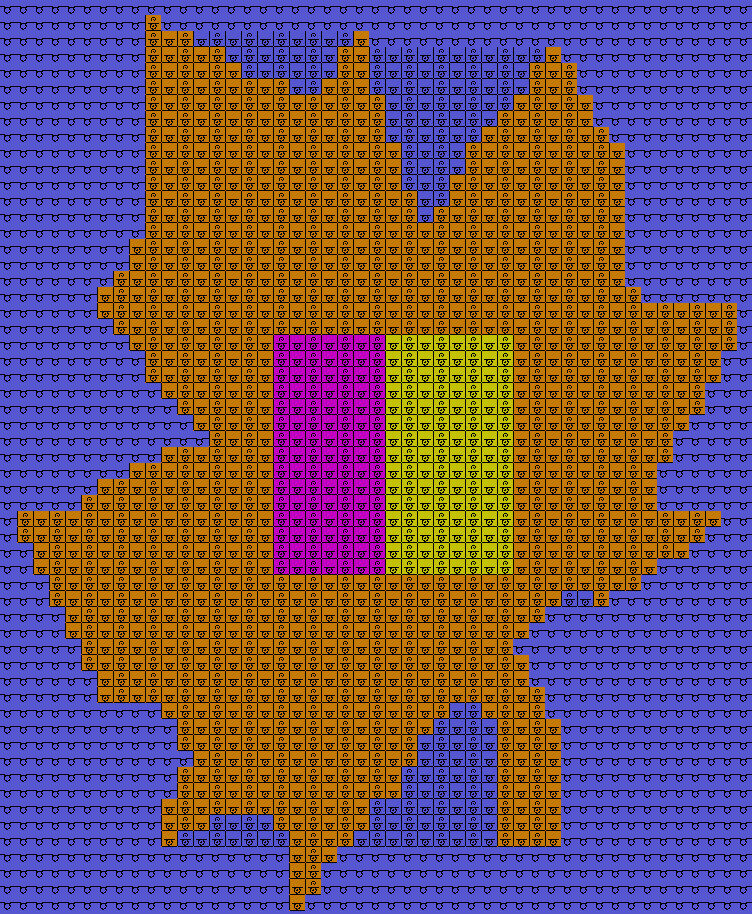
 .
. : The module for Net pick-up is not entered in case of changing the jacquard back by only one needle.
 : The module for Net pick-up is also entered in case of changing the jacquard back by only one needle.