Modify the Knitting Procedure of the Start
Modify the knitting procedure of the start element:
- 1
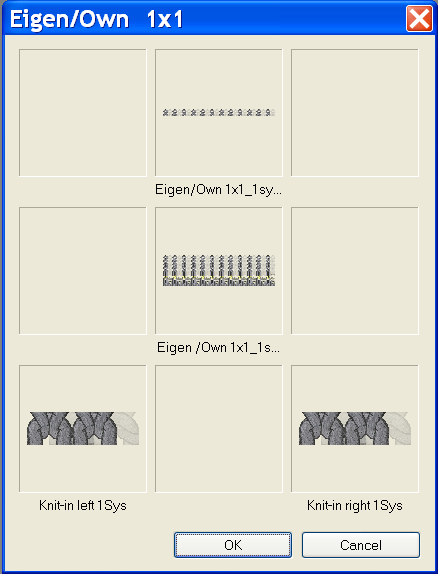
- Select and open the copied and renamed Start Container Module by double-click in the Private module group.
- 2
- Open the element for the start Private / Own 1X1_1sys_G by double-Click in the container.
- 3
- Switch to the Yarn Colors (technical yarns)
 color palette in the Pattern Colors dialog box and select the necessary technical colors.
 - 4
- Select the
 drawing tool and the desired needle actions.
 - 5
- Change the knitting sequence.
When changing pay attention to:
- Adapt the length cycles contained in the start
- When changing the row number, Clamping and cutting after x rows has to be adapted if necessary.
- 6
- Close the Module Editor with
 .
.
- The question: The query appears.
- 7
- Close the dialog box with Yes.
- The Container Module for the start will be saved.
- 8
- Generate a new pattern and select your own start in the selection list under Private.
- The start will be inserted into the new pattern.