Step 6: Open and position k&w file
Opening the k&w- file in the basic pattern
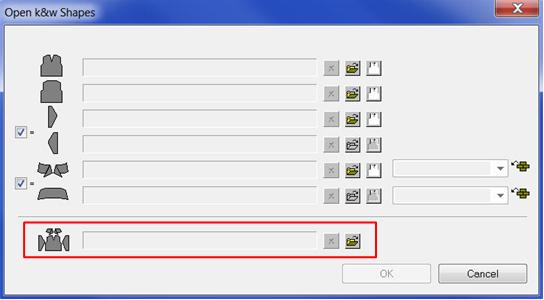
- 1
- Call up the / menu.
- 2
- Via the
 entry field load the file with the .kaw extension.
 - 3
- Confirm the selection with OK.
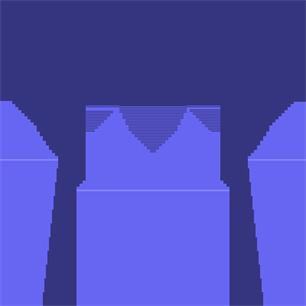
- The k&w file is loaded centered in the basic pattern.
- The left sleeve is folded-in so that the L0 layer lies on the L1 layer.
- The right sleeve is automatically mirrored.
Positioning and presentation
- Positioning of the shape parts after opening the basic pattern is possible.
- The pattern presentation can be changed according to the requirements.
- For inserting the Color and Module Arrangements.
- For row-accurate design of structures and motives within the shape.
To the next step 7: Cut